
Pet portrait · Photo to image
Halloween Pet Costume Generator
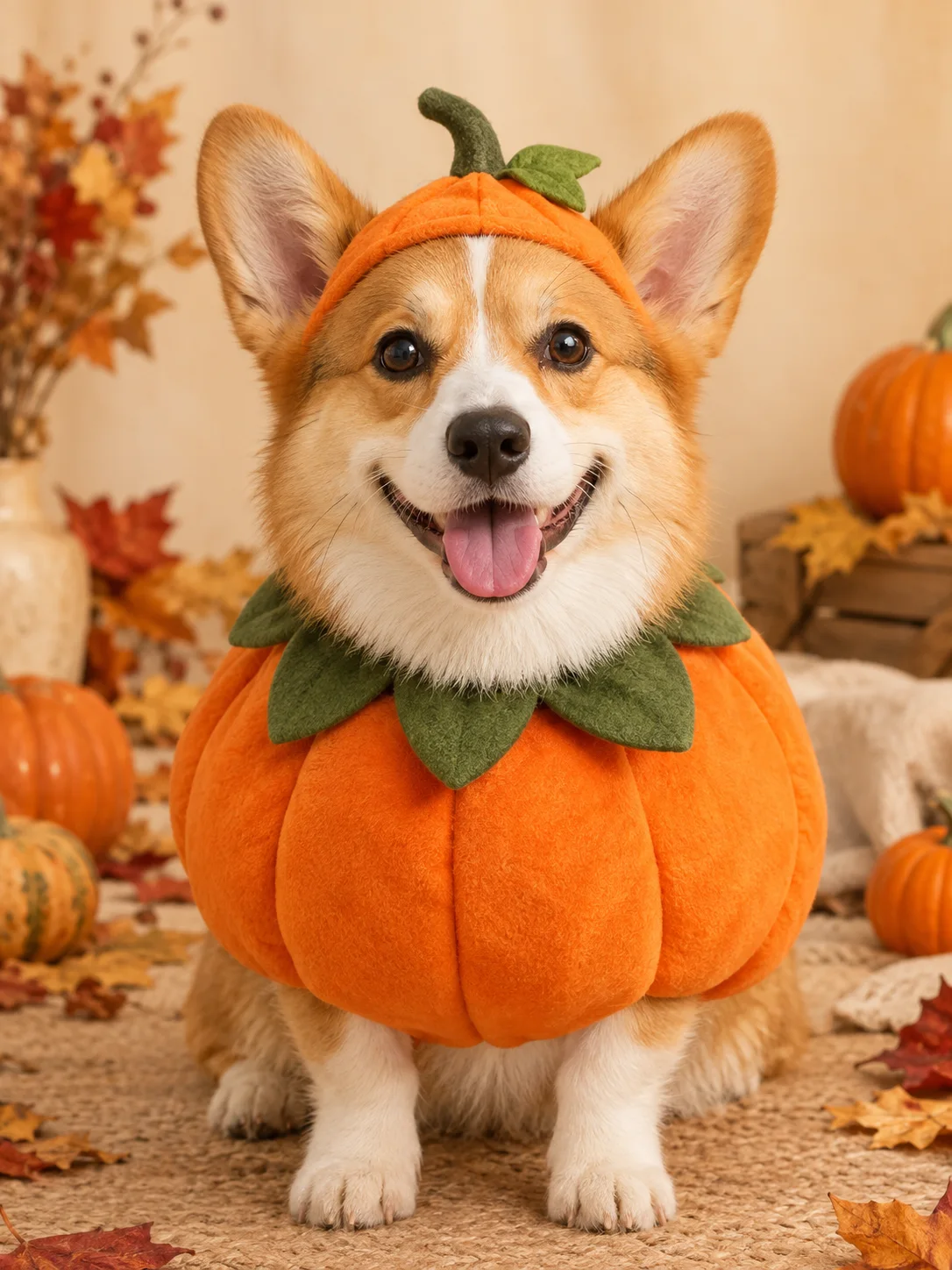
Dress a pet photo in a pumpkin, dinosaur, or butter-stick costume while keeping the animal's markings and natural anatomy.
Upload one clear pet photo and the editor opens with a costume prompt that protects the animal's breed, fur markings, eye color, and visible anatomy. The costume and studio setting change; the pet should still be recognizable.
Starts from one or more reference photos, depending on the scene.
Updated for the 2026 Halloween season
How this scene works
- 01
Show the whole face
Keep both eyes, the nose, and the ears visible. A photo taken near the pet's eye level is easier to preserve than a top-down phone snapshot.
- 02
Describe one costume clearly
Choose a pumpkin, glow-in-the-dark dinosaur, butter stick, or another simple shape. Name the material and how it sits on the body instead of listing several costumes.
- 03
Check species and anatomy
Count the paws, inspect the eyes and muzzle, and confirm that the costume has not covered the face. Reject results that add another animal or change the breed.
Editable prompt
The prompt asks for a wearable costume, not a new mechanical or cartoon animal. It keeps the original fur pattern and eye color, then changes the costume and studio background.
Model prompts remain in English because the image and video models are tuned for it. The surrounding guidance is localized.
Use the uploaded pet photo as the primary reference. Preserve the animal species, breed appearance, fur color and pattern, eye color, facial features and natural anatomy. Dress the pet in a soft pumpkin-inspired Halloween costume with a small green leaf collar. Keep the costume fitted naturally and leave the eyes and face clear. Place the pet in a cozy autumn studio with a warm cream backdrop, miniature pumpkins and dried leaves. Use photorealistic commercial pet photography with realistic fur and soft studio light. Exactly one animal. Do not change the species or breed. Avoid extra animals, duplicated paws, distorted eyes, text, logos and watermarks.Copy this prompt into the workspace or use the prepared button above.
Questions before you start
Can I use a photo with two pets?
Yes, but state the intended count and inspect both faces. A single pet is the simplest reference when you need a reliable likeness.
Will the pet's markings stay exact?
The prompt asks the model to preserve visible markings, but no exact match is guaranteed. Compare the result with the original and reject changed markings that matter.
Can the costume cover the eyes?
The preset asks for a fitted costume that leaves the eyes clear. If a result hides the face or changes the species, return to the original photo and simplify the costume.
Start with your own reference
Open the workspace, review the settings and credit cost, then generate. Opening a scene never submits a paid task.
Related scenes
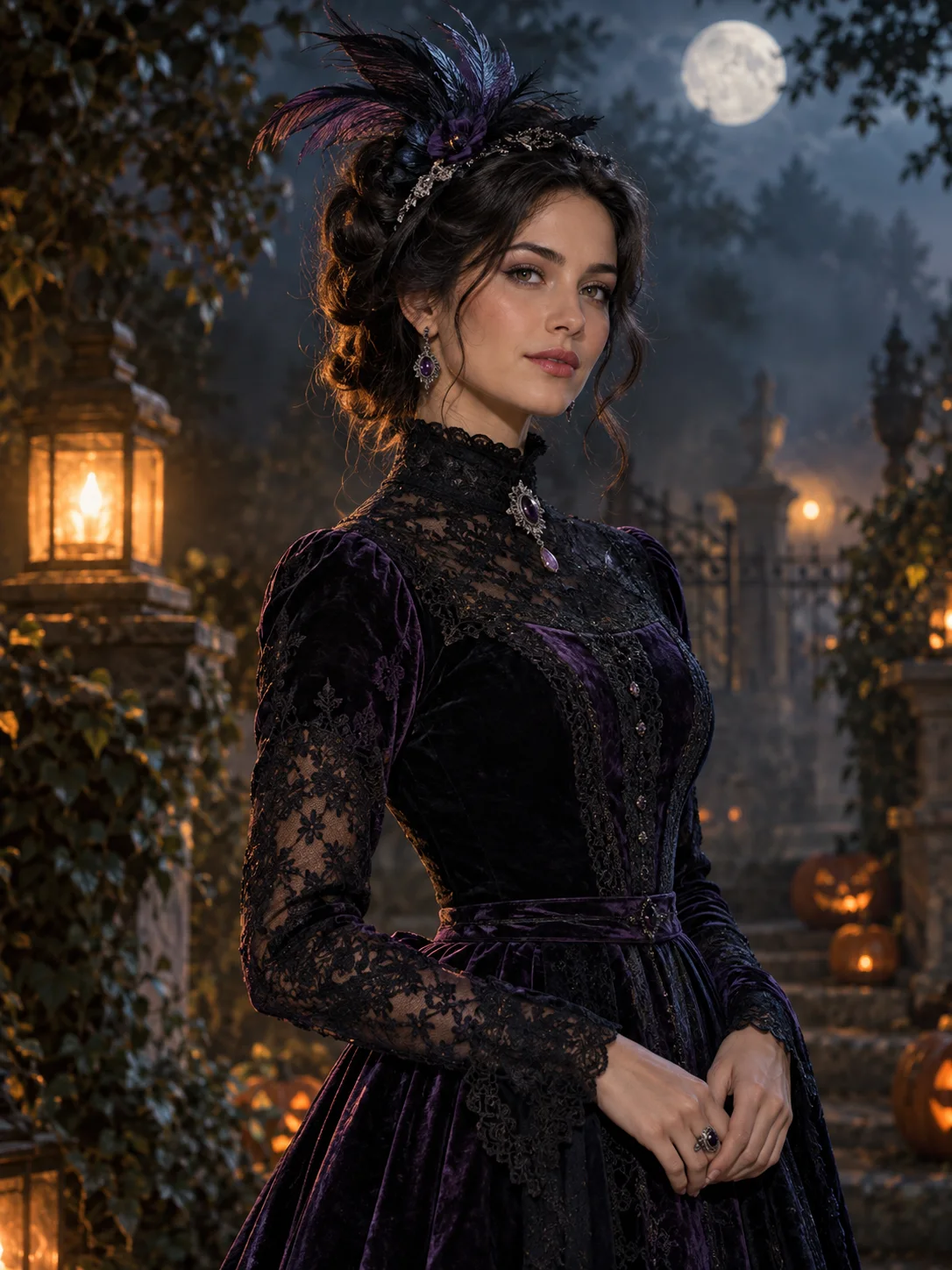 Image edit
AI Halloween Costume Generator
Turn a clear selfie into an original Halloween costume portrait while keeping the face recognizable. Upload, review the prompt, and generate.
View the workflow and prompt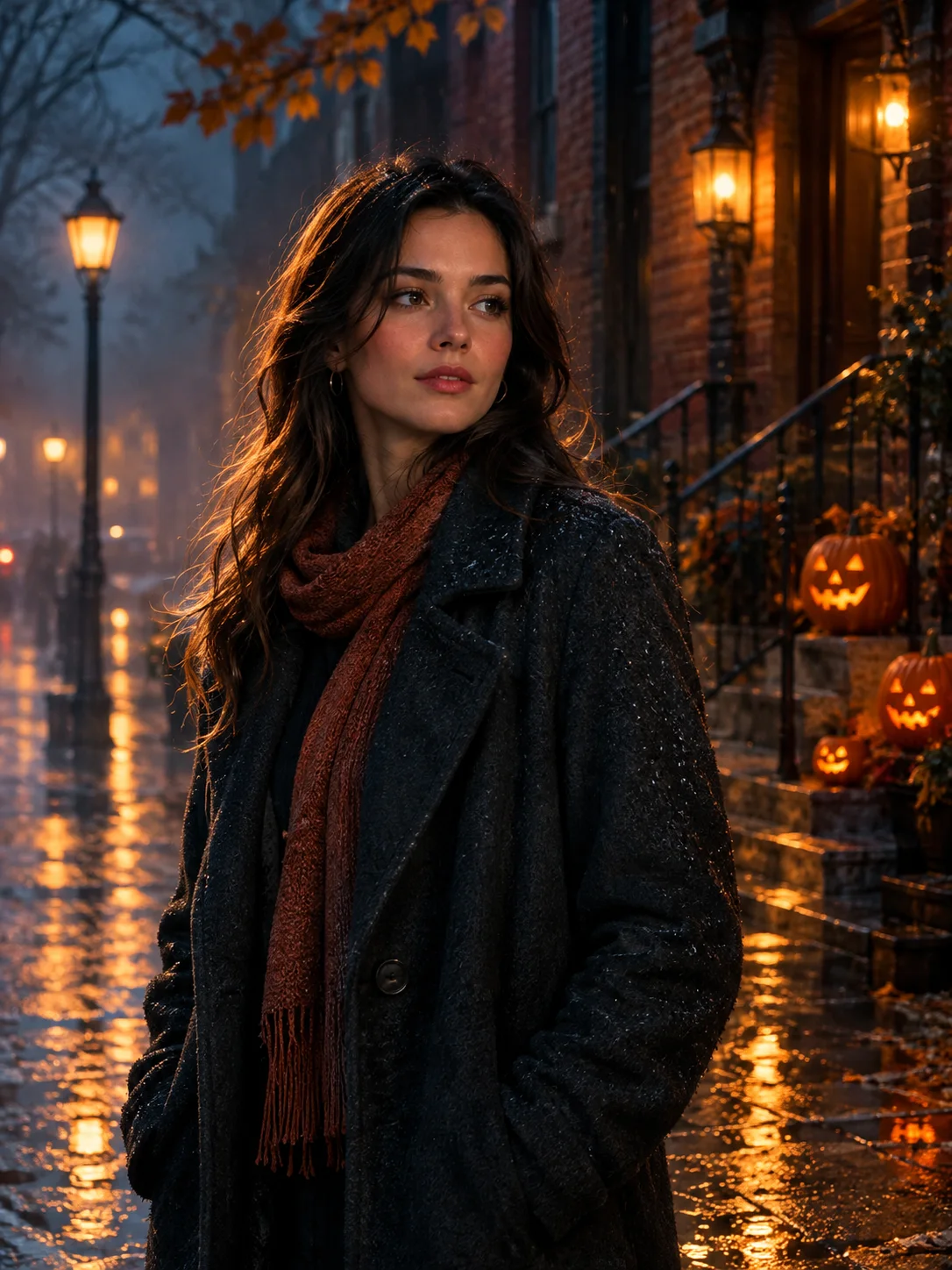 Image edit
Halloween Photo Editor
Add fog, lantern light, and a restrained haunted atmosphere to a photo without replacing the person or turning it into a cartoon.
View the workflow and prompt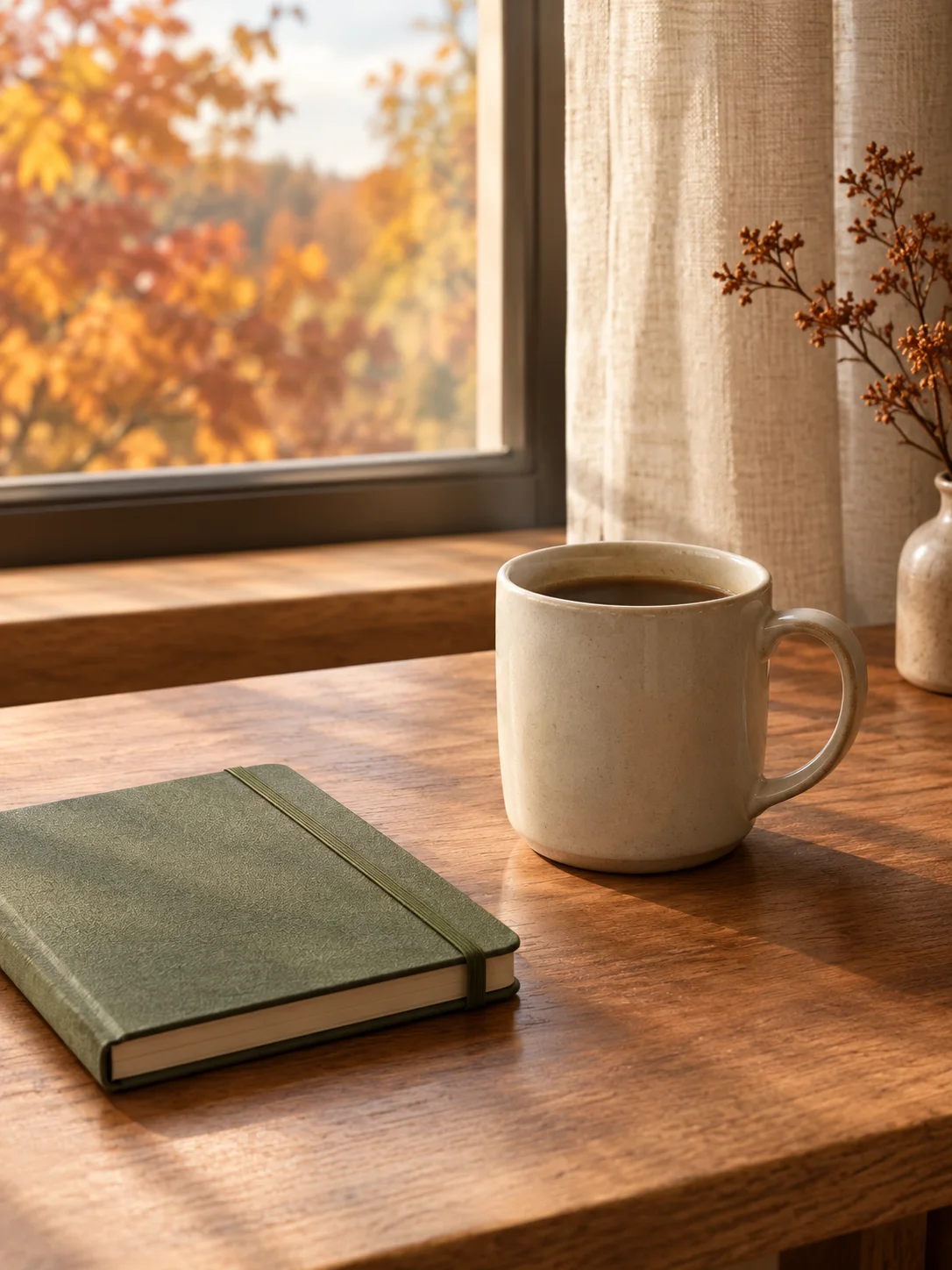 Image edit
AI Background Replacement
Replace a distracting background with a controlled seasonal or studio scene while preserving the subject and crop.
View the workflow and prompt