
Halloween costume · Photo to image
AI Halloween Costume Generator
Turn a clear selfie into an original Halloween costume portrait while keeping the face recognizable. Upload, review the prompt, and generate.
Upload one clear selfie and the editor opens with a costume-focused prompt and a 3:4 portrait canvas. The prompt protects facial identity, changes the outfit and setting, and keeps the number of people unchanged. Review the model and credit cost shown in the workspace before you generate.
Starts from one or more reference photos, depending on the scene.
Updated for the 2026 Halloween season
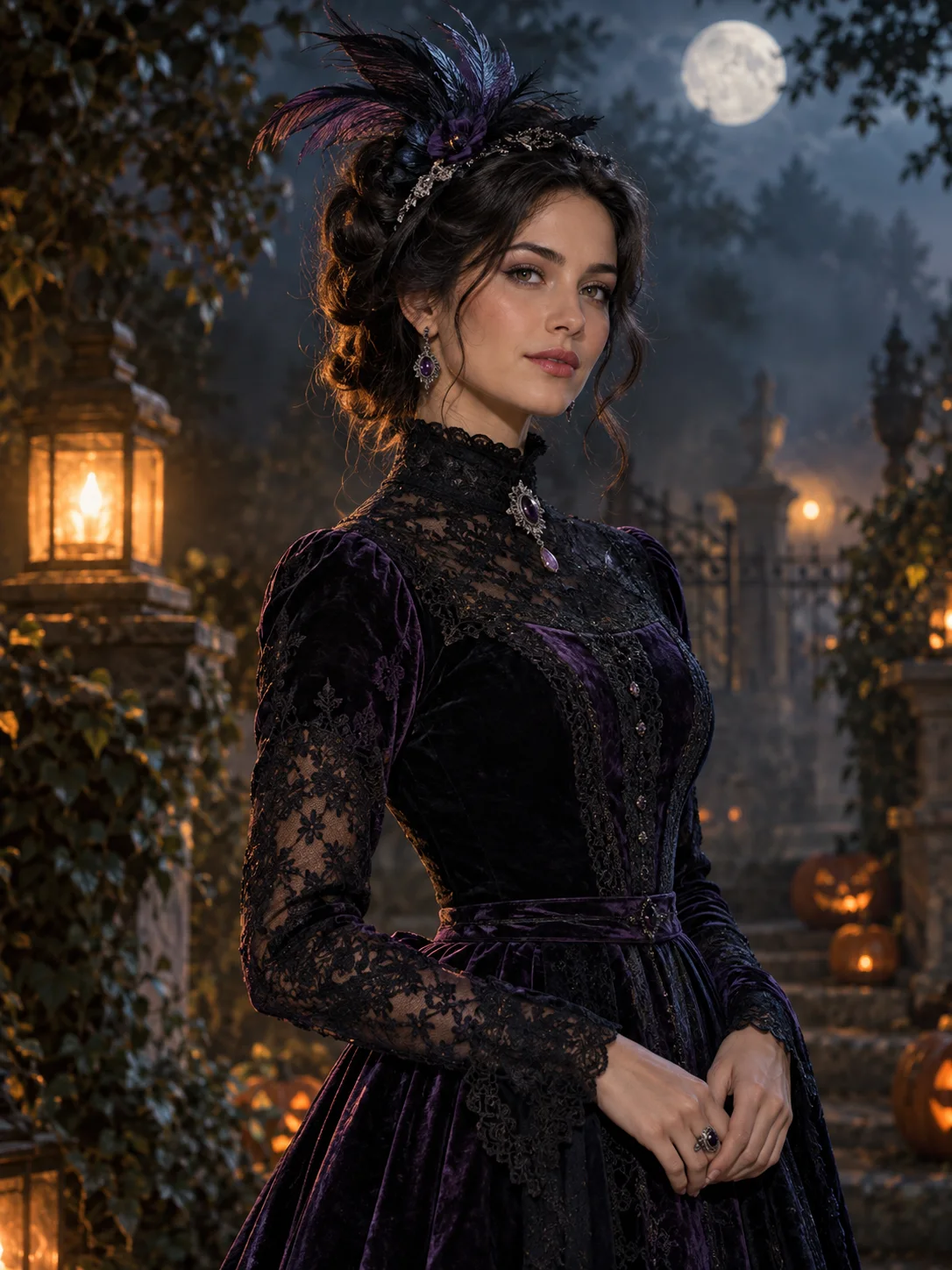
How this scene works
- 01
Choose a recognizable selfie
Use a sharp photo with both eyes visible, even light, and room around the hair and shoulders. Avoid heavy beauty filters or a face partly hidden by a hand.
- 02
Open the reviewed costume preset
The button fills the prompt and portrait ratio without uploading or charging anything. Replace only the costume, texture, or background details you actually want to change.
- 03
Check identity before sharing
Compare the face, hairline, glasses, hands, and number of people with the source. If the likeness changes, return to the original photo and simplify the request.
Editable prompt
The prompt is intentionally specific about what must stay: facial identity, skin tone, pose, and the number of people. Costume, lighting, and background are the editable parts.
Model prompts remain in English because the image and video models are tuned for it. The surrounding guidance is localized.
Use the uploaded photo as the primary identity reference. Preserve the subject's recognizable face, facial proportions, skin tone, approximate age, natural anatomy and visible pose. Transform the subject into an original gothic Halloween costume portrait with a fitted black-and-violet outfit, restrained lace, silver accessories and a sculpted horn-free headpiece. Place the subject in a moonlit garden with soft fog, warm lanterns, wet stone and dark autumn foliage. Use photorealistic editorial photography, realistic fabric texture and cinematic soft lighting. Keep the same number of people as the uploaded photo. Do not copy a film character or a licensed costume. Avoid altered facial identity, extra people, extra limbs, duplicated fingers, distorted anatomy, text, logos and watermarks.Copy this prompt into the workspace or use the prepared button above.
Questions before you start
Can I use a photo with more than one person?
You can, but single-person references are easier to review. State the intended number of people and inspect every face; the preset asks the model to preserve the visible count rather than add extra subjects.
Will the generated costume be an exact product match?
No. This creates an original costume interpretation, not a shopping preview of a specific garment. Fabric, trim, and accessories can vary from the prompt.
Can I animate the result afterwards?
Yes. After approving a still image, use the image-to-video workflow to add a small head turn, drifting fog, or a slow camera push. Keep the first animation restrained while checking identity.
Start with your own reference
Open the workspace, review the settings and credit cost, then generate. Opening a scene never submits a paid task.
Related scenes
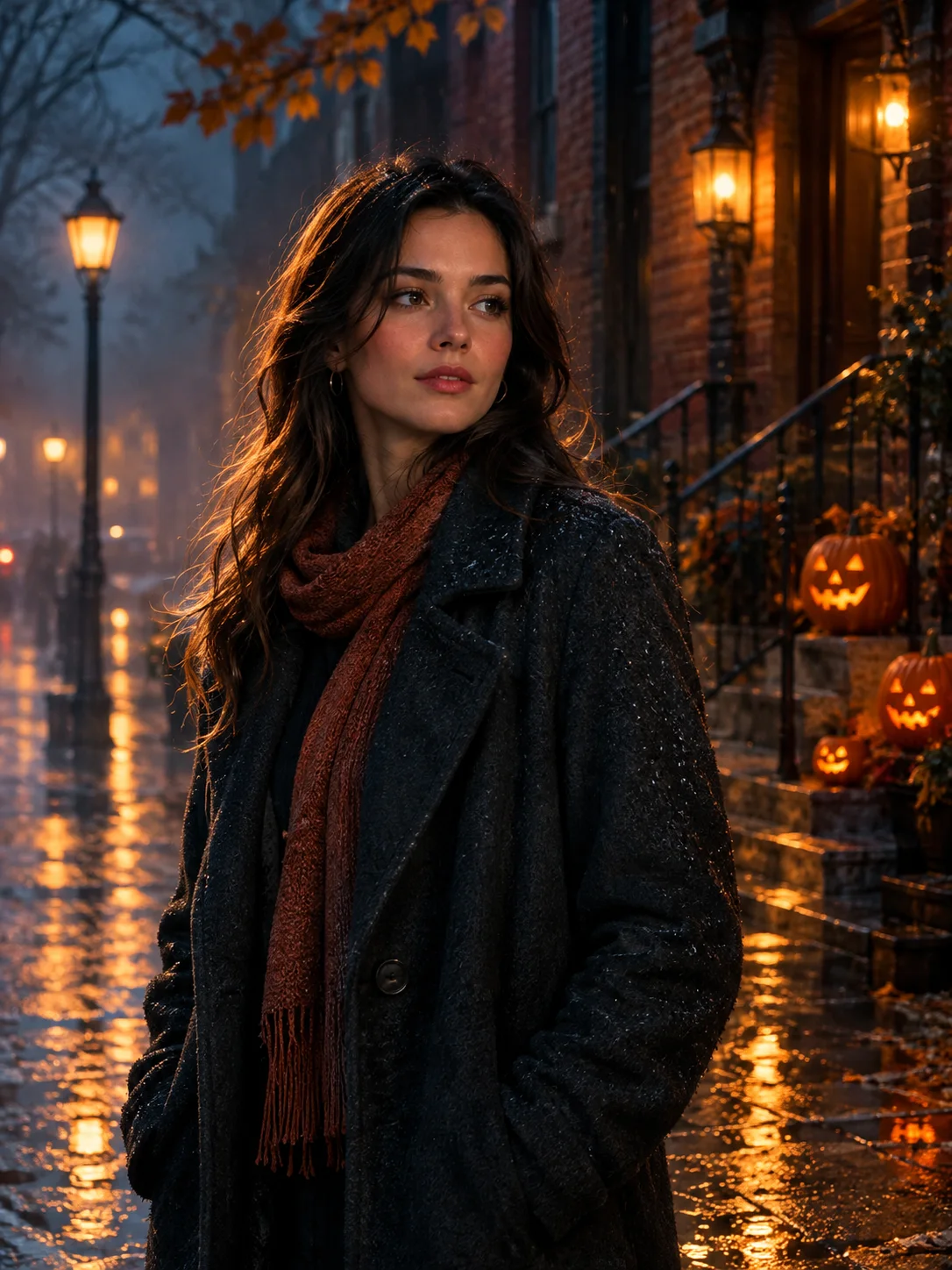 Image edit
Halloween Photo Editor
Add fog, lantern light, and a restrained haunted atmosphere to a photo without replacing the person or turning it into a cartoon.
View the workflow and prompt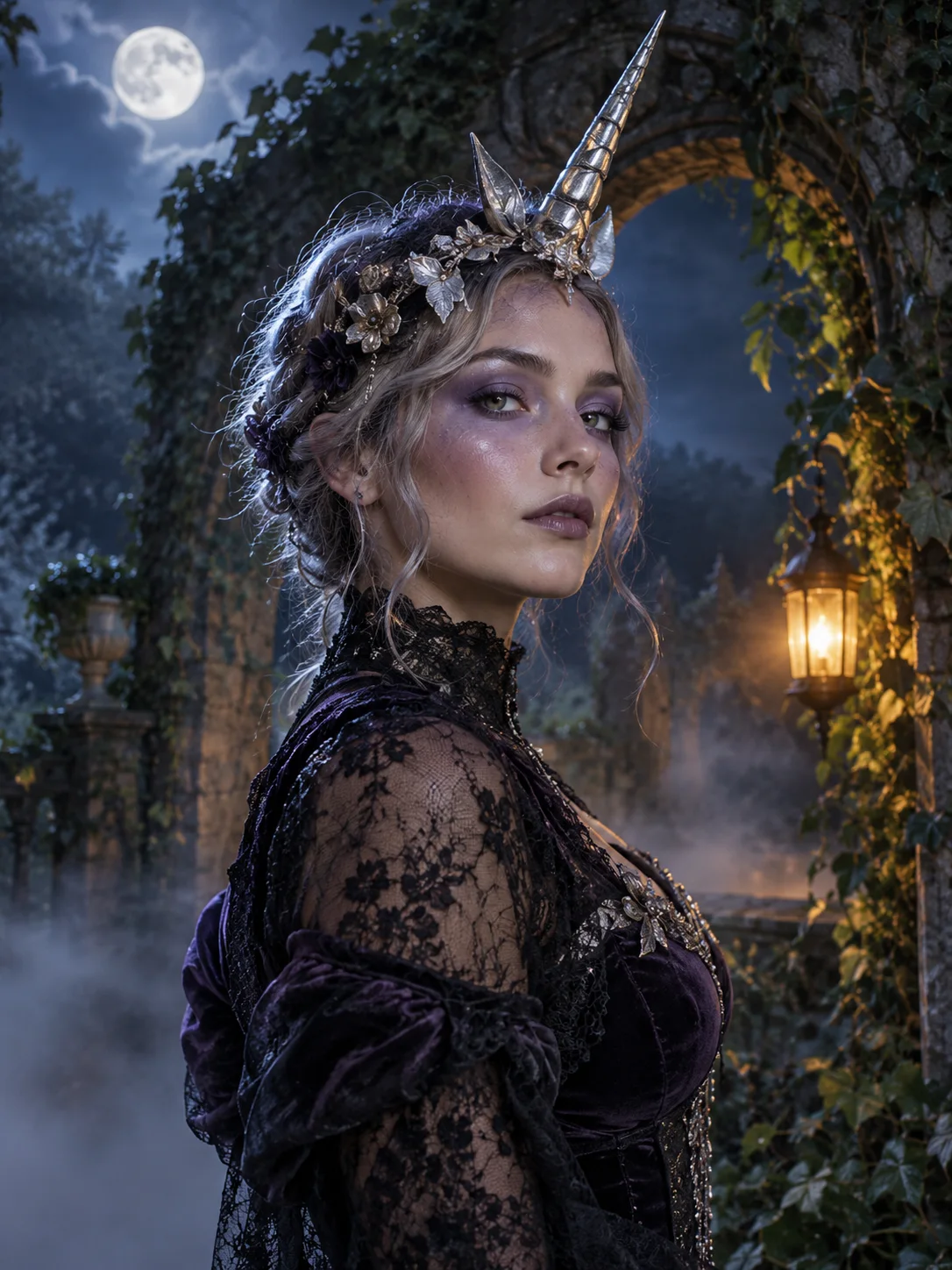 Image edit
Haunted Unicorn Portrait
Create an original haunted unicorn costume portrait from a selfie, with a moonlit garden, lace, silver details, and a preserved face.
View the workflow and prompt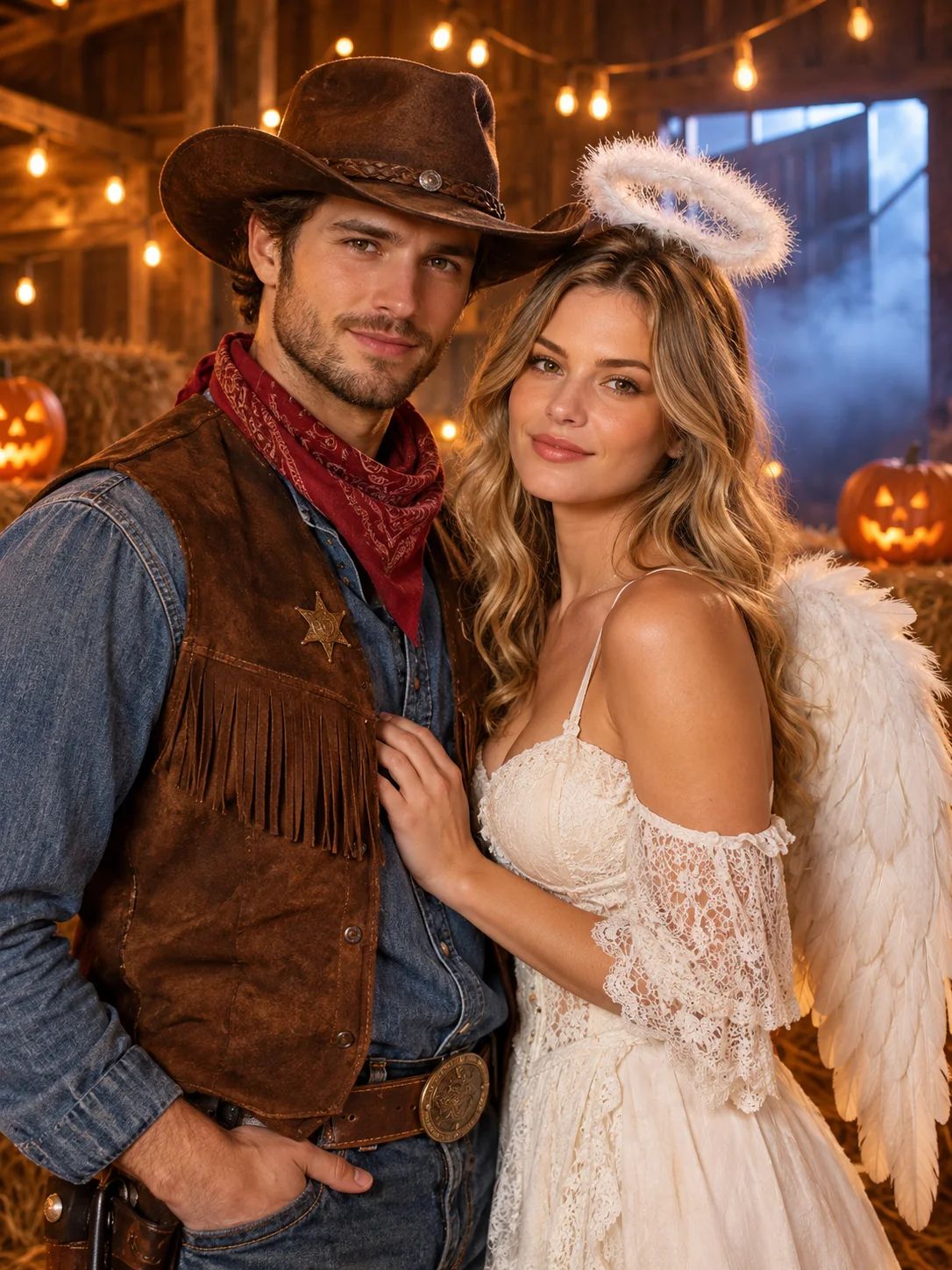 Image edit
Halloween Couple Photo Generator
Combine two photos into one coordinated Halloween couple portrait with separate identities and a shared lantern-lit scene.
View the workflow and prompt