
Atmosphere edit · Photo to image
Halloween Photo Editor
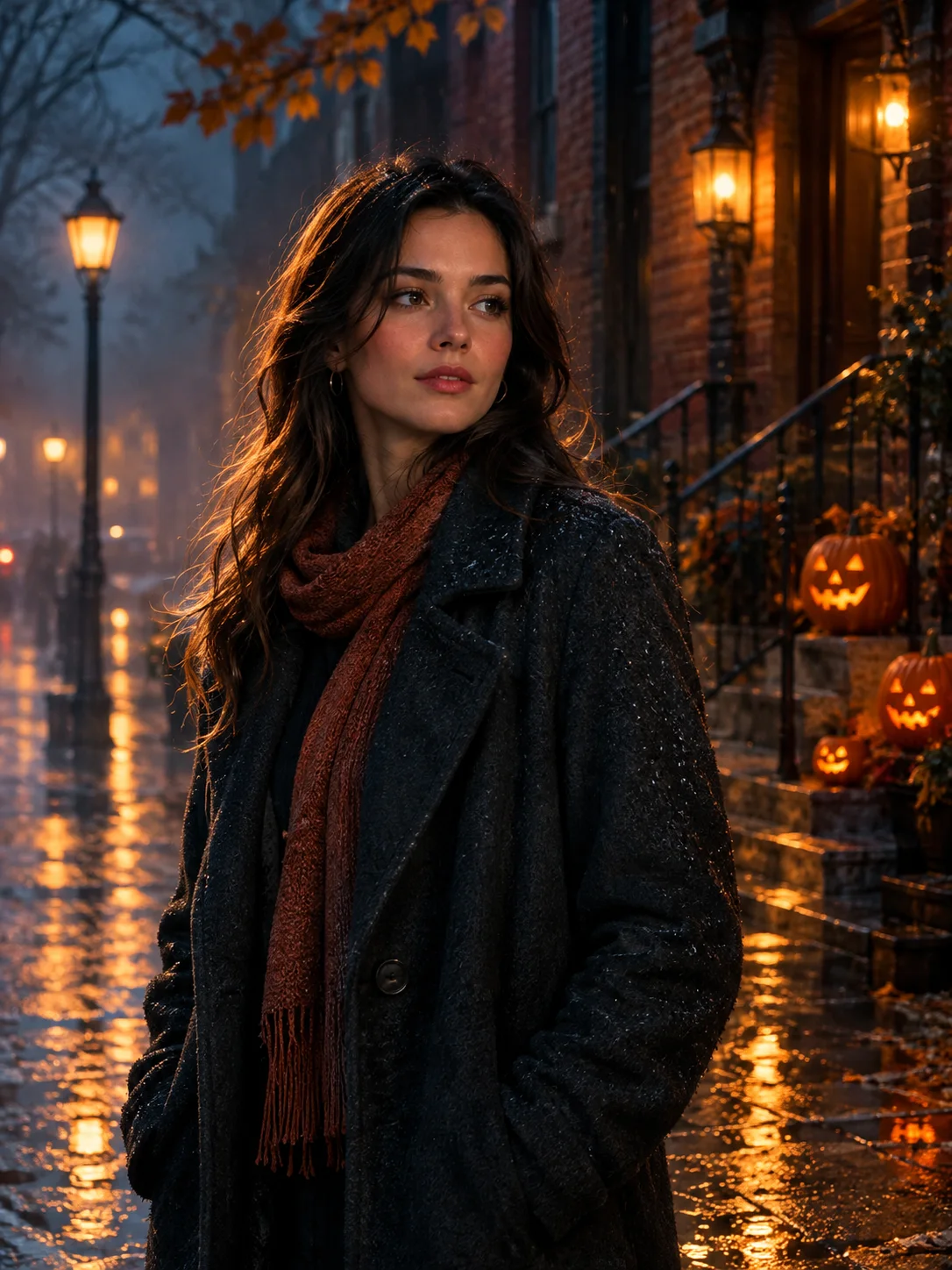
Add fog, lantern light, and a restrained haunted atmosphere to a photo without replacing the person or turning it into a cartoon.
This editor is for people who want a Halloween mood rather than a full costume. It keeps the subject and composition, then adds controlled fog, warm lantern light, wet stone, and subtle seasonal details. You can remove any effect that goes too far before generating.
Starts from one or more reference photos, depending on the scene.
Updated for the 2026 Halloween season
How this scene works
- 01
Start with a usable original
Pick a photo with a clear face and an uncluttered background. A slightly darker scene with visible detail gives the fog and lantern light room to work.
- 02
Choose the atmosphere, not a new identity
Keep the person and pose. Adjust only the weather, light, background props, and color temperature in the prompt. Avoid adding a costume if the goal is an atmospheric portrait.
- 03
Inspect the face and background separately
Check facial proportions first, then look for accidental text, extra people, broken windows, or duplicated objects in the background.
Editable prompt
The strongest photo-editor prompts separate the subject from the scene. Name what stays, such as the face and pose, and name the atmosphere you want to add: fog density, lantern warmth, wet surfaces, and restrained color.
Model prompts remain in English because the image and video models are tuned for it. The surrounding guidance is localized.
Edit the uploaded photo with a restrained Halloween atmosphere while preserving the subject, face, pose, clothing, crop and background composition. Add soft ground fog, warm lantern light, wet stone reflections and a few subtle seasonal details such as carved pumpkins at the edge of the scene. Keep the scene photographic and believable rather than cartoonish. Do not add people, costumes, weapons, gore, text, logos or extra objects in front of the subject. Use cinematic color grading with deep teal shadows and warm amber highlights. Maintain natural skin texture and the original facial identity.Copy this prompt into the workspace or use the prepared button above.
Questions before you start
Can I keep the original background?
Yes. State that the background composition, objects, and camera angle must stay close to the source, then ask for light and weather changes only.
Does the editor add text automatically?
The preset excludes lettering and logos. Generated text is usually unreliable, so add any title, date, or invitation copy in a separate layout step.
Is this a filter?
No. It is a prompt-driven image edit. A conventional color filter may be better when you need exact pixels and repeatable settings.
Start with your own reference
Open the workspace, review the settings and credit cost, then generate. Opening a scene never submits a paid task.
Related scenes
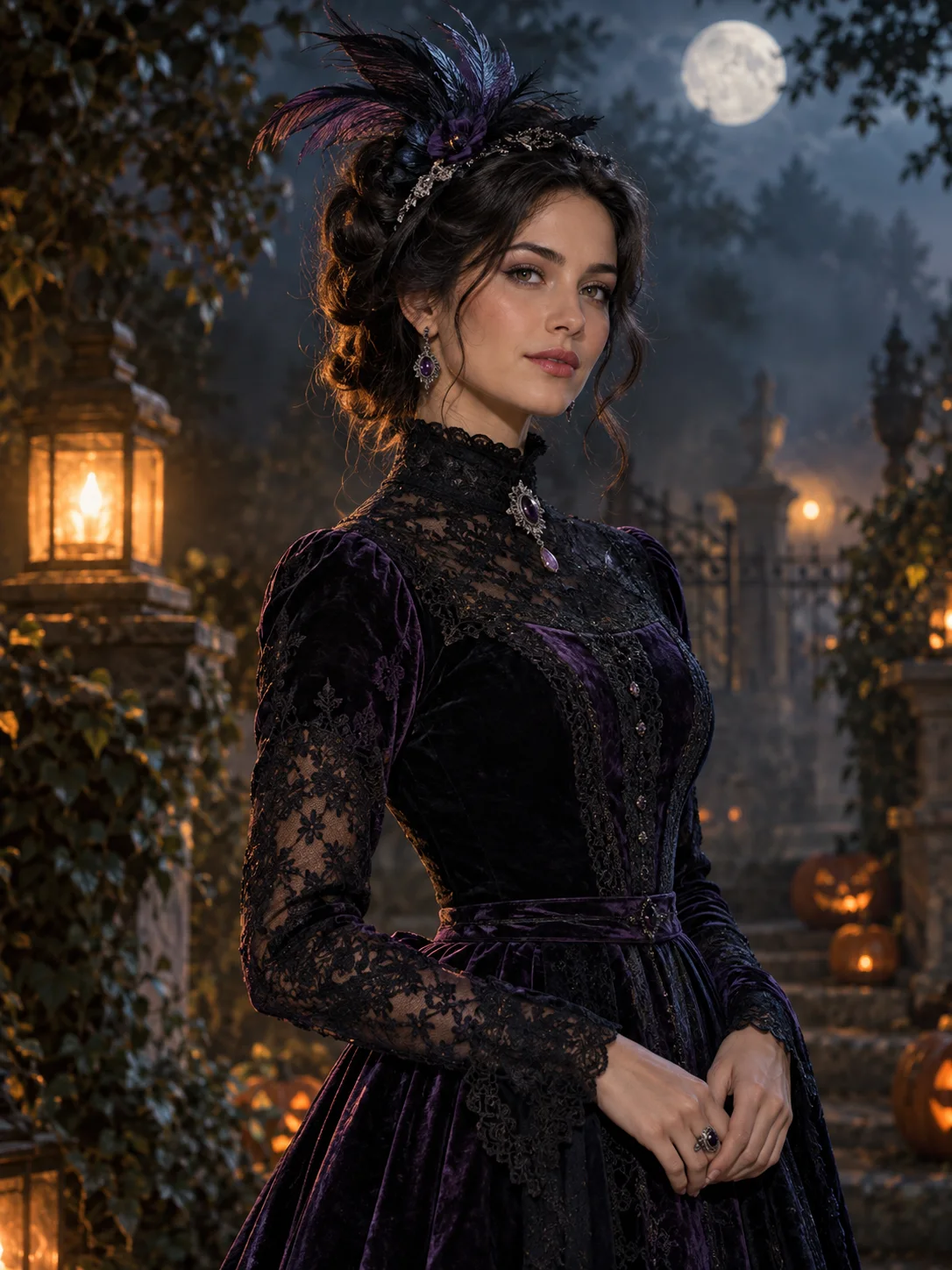 Image edit
AI Halloween Costume Generator
Turn a clear selfie into an original Halloween costume portrait while keeping the face recognizable. Upload, review the prompt, and generate.
View the workflow and prompt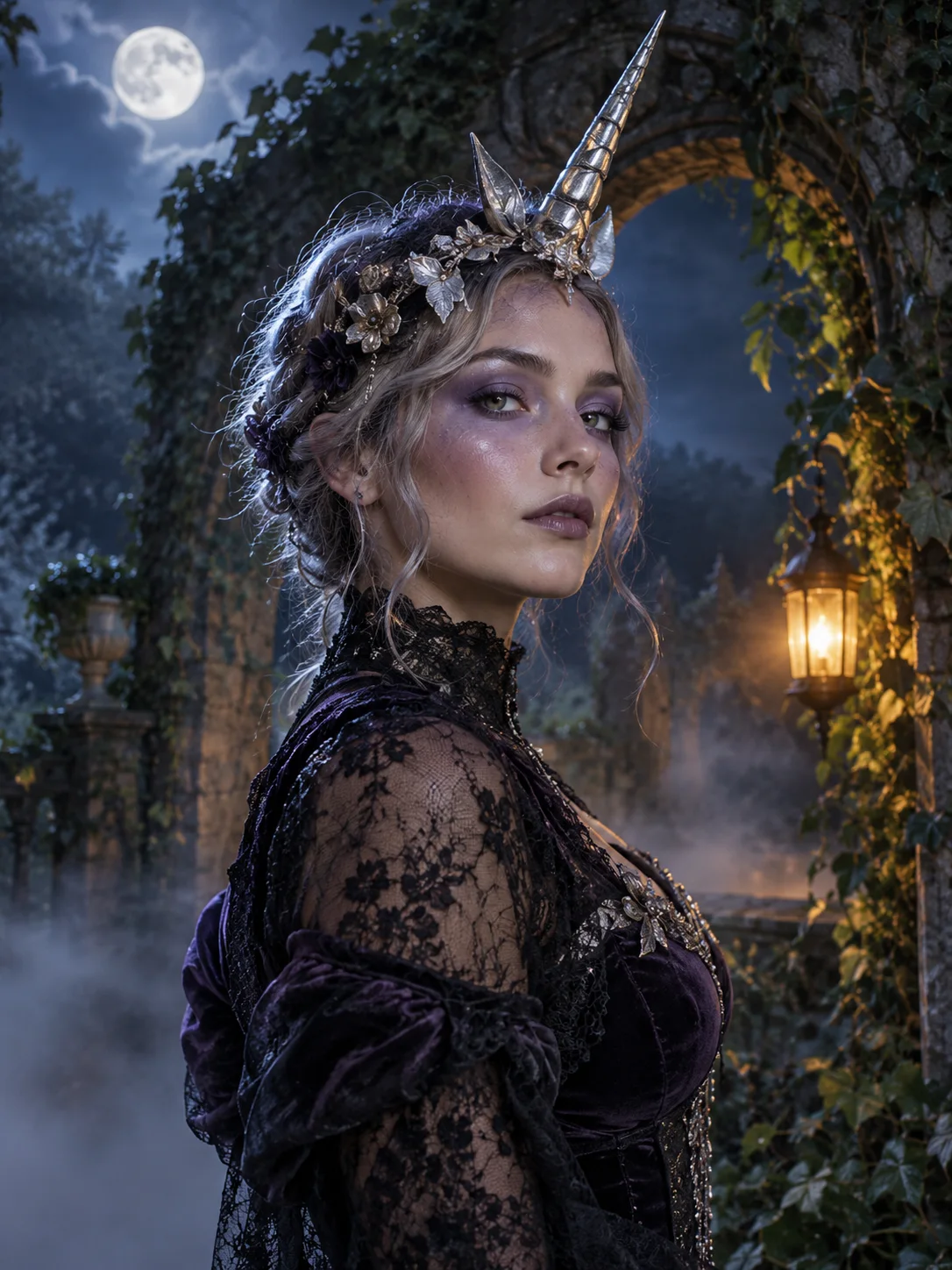 Image edit
Haunted Unicorn Portrait
Create an original haunted unicorn costume portrait from a selfie, with a moonlit garden, lace, silver details, and a preserved face.
View the workflow and prompt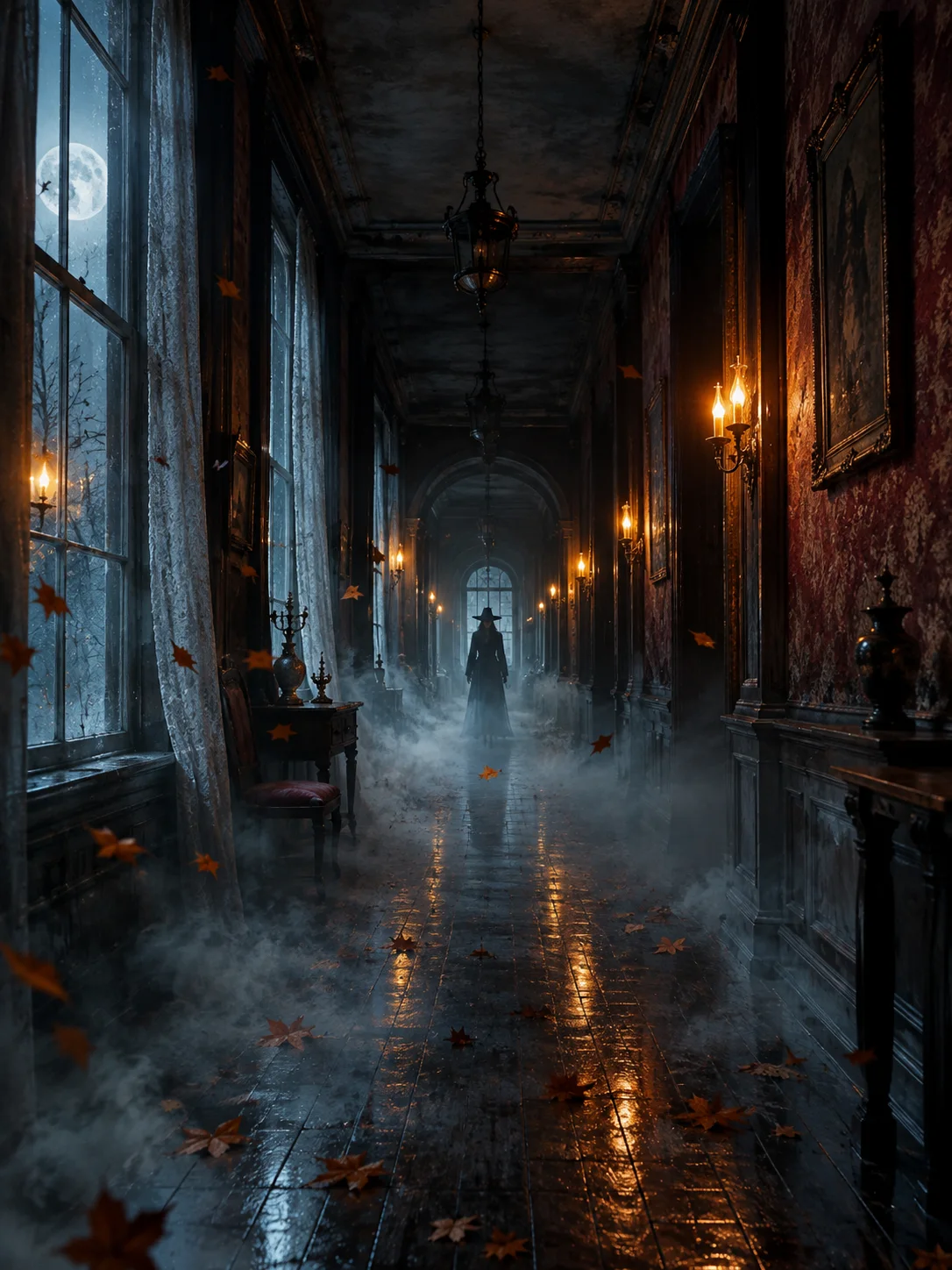 Image to video
Halloween Video Effect Generator
Animate a Halloween still with drifting fog, flickering lanterns, and a slow camera push while keeping the scene recognizable.
View the workflow and prompt