
Two-photo fusion · Couple portrait
Halloween Couple Photo Generator
Combine two photos into one coordinated Halloween couple portrait with separate identities and a shared lantern-lit scene.
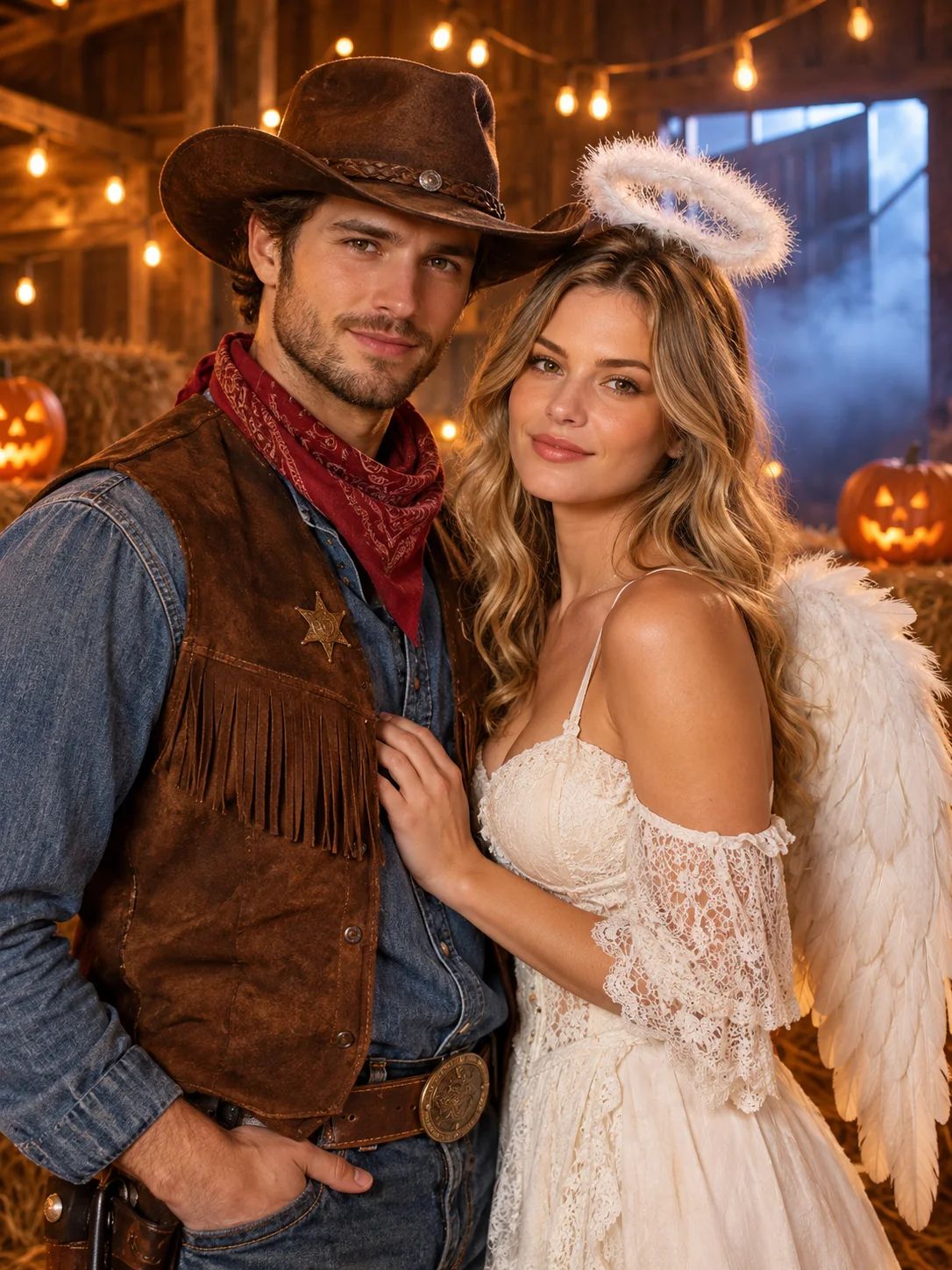
Upload two separate photos and the editor opens in multi-image fusion mode. The prompt asks for one coordinated portrait, preserves each person's visible identity, and keeps the final count at two. It is a creative composite, not evidence that the people met in that scene.
Starts from one or more reference photos, depending on the scene.
Updated for the 2026 Halloween season
How this scene works
- 01
Use one clear photo per person
Choose similar camera heights and lighting when possible. Avoid group photos where it is unclear which face should be used.
- 02
Name each role by upload order
For example: the person from image one on the left as the cowboy, and the person from image two on the right as the angel. State the final count.
- 03
Check faces, hands, and spacing
Compare each face with its own reference. Then inspect hands, shoulders, contact shadows, and the space between the two people.
Editable prompt
The prompt uses upload order to reduce ambiguity. It requests one shared scene, consistent scale and light, exactly two people, and no duplicated or blended faces.
Model prompts remain in English because the image and video models are tuned for it. The surrounding guidance is localized.
Combine the two uploaded people into one coordinated Halloween couple portrait. Use each reference once and preserve each person's recognizable face, skin tone, hair, body proportions and visible clothing identity. Place the person from the first reference on the left in an original cowboy-inspired costume and the person from the second reference on the right in a soft angel-inspired costume. Use a shared lantern-lit barn interior with hay bales, carved pumpkins, warm bulbs and light fog. Keep exactly two adults, similar scale, natural spacing, consistent eye level and shared shadows. Do not blend or swap faces. Avoid extra people, duplicated bodies, distorted hands, text, logos and watermarks.Copy this prompt into the workspace or use the prepared button above.
Questions before you start
Can I combine photos taken in different places?
Yes, but similar viewpoint, light direction, and body framing produce a more believable composite. Very different crops may require a simpler waist-up composition.
Can I add a third person or a pet?
The reviewed preset starts with two references. Add more only when the workspace supports the extra images and you can verify every identity separately.
Is the result a real photograph of the couple together?
No. It is an AI-generated composite. Do not present it as documentation of a real event, and use photos of people who have agreed to the edit.
Start with your own reference
Open the workspace, review the settings and credit cost, then generate. Opening a scene never submits a paid task.
Related scenes
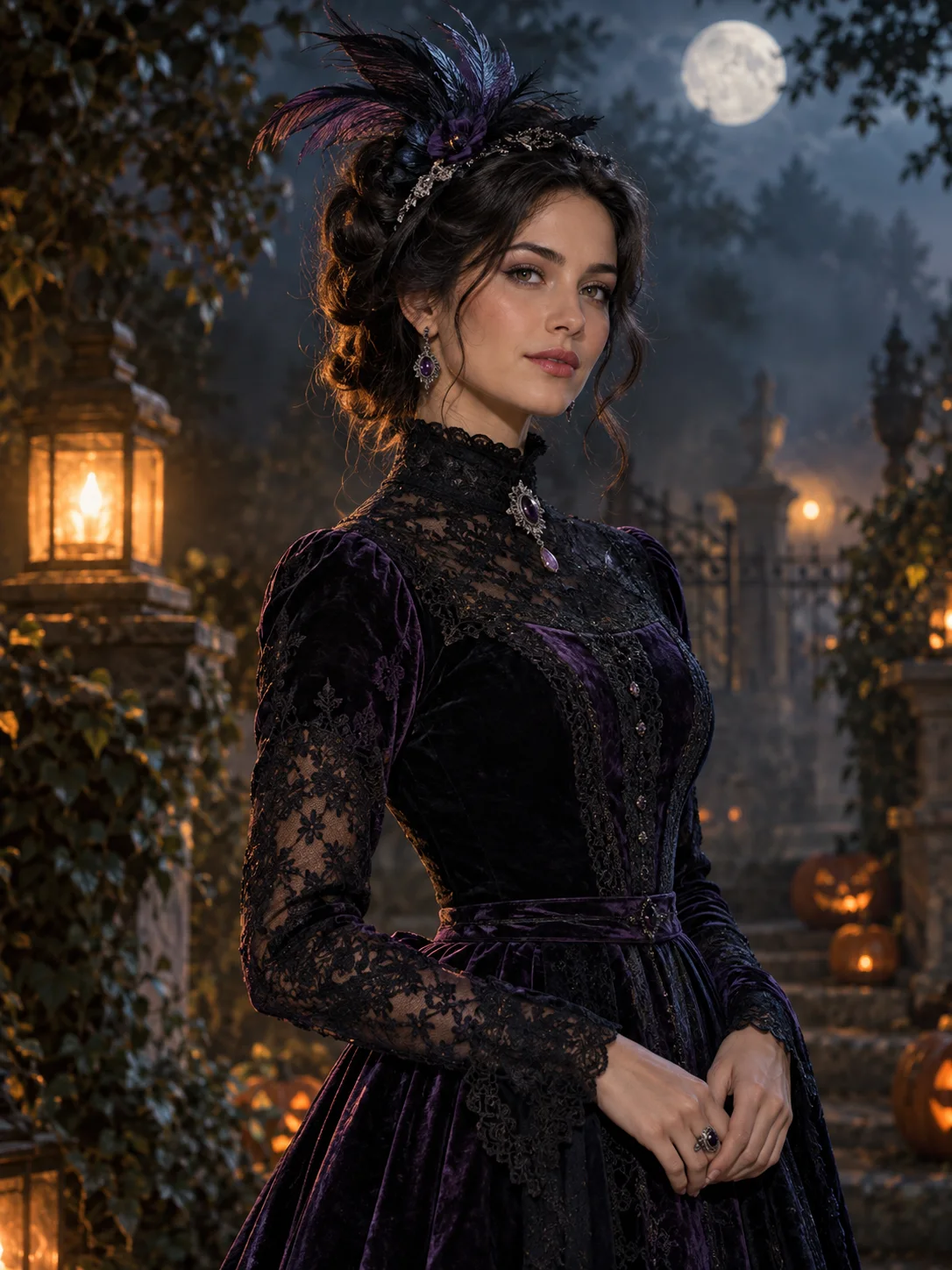 Image edit
AI Halloween Costume Generator
Turn a clear selfie into an original Halloween costume portrait while keeping the face recognizable. Upload, review the prompt, and generate.
View the workflow and prompt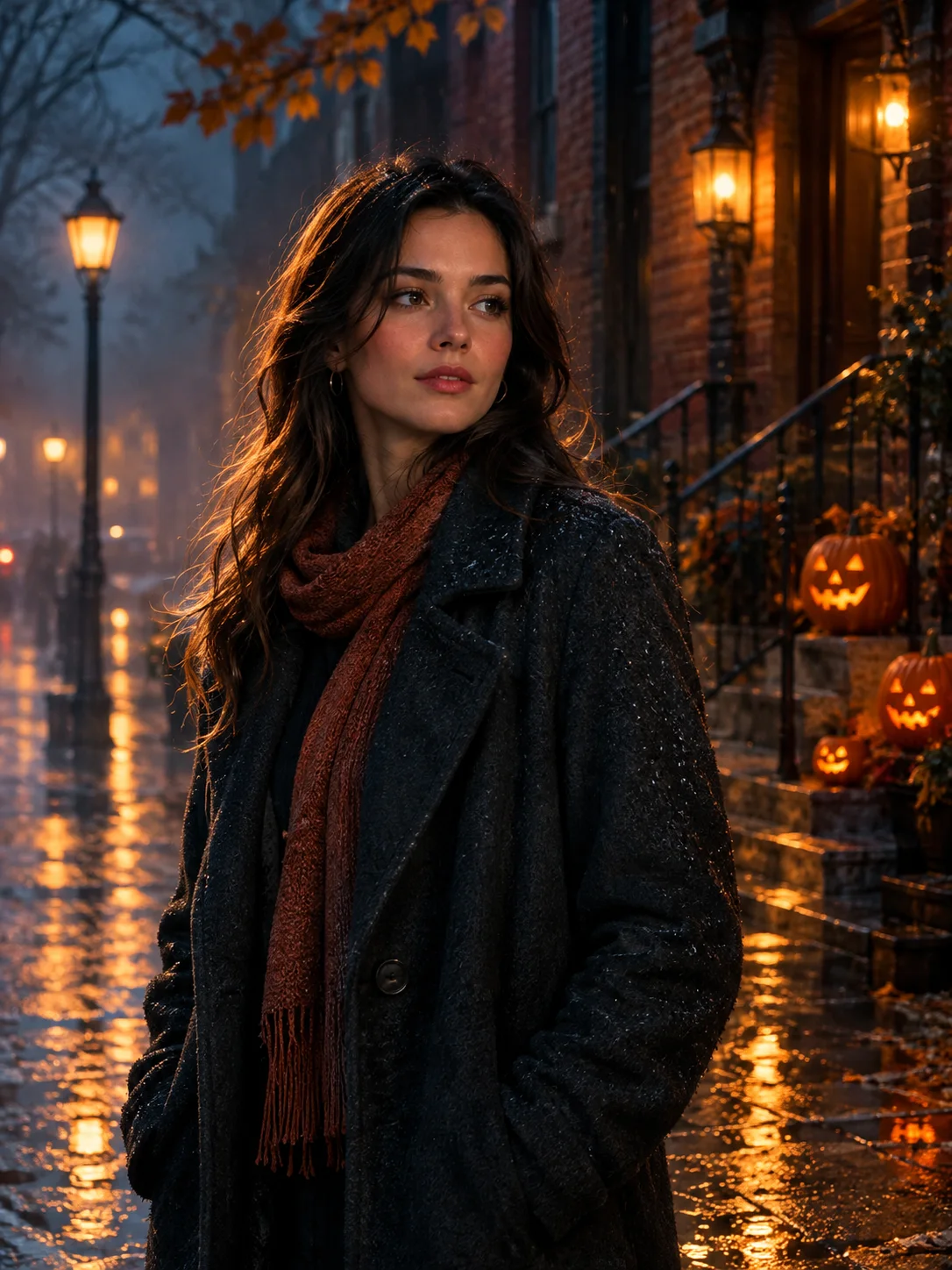 Image edit
Halloween Photo Editor
Add fog, lantern light, and a restrained haunted atmosphere to a photo without replacing the person or turning it into a cartoon.
View the workflow and prompt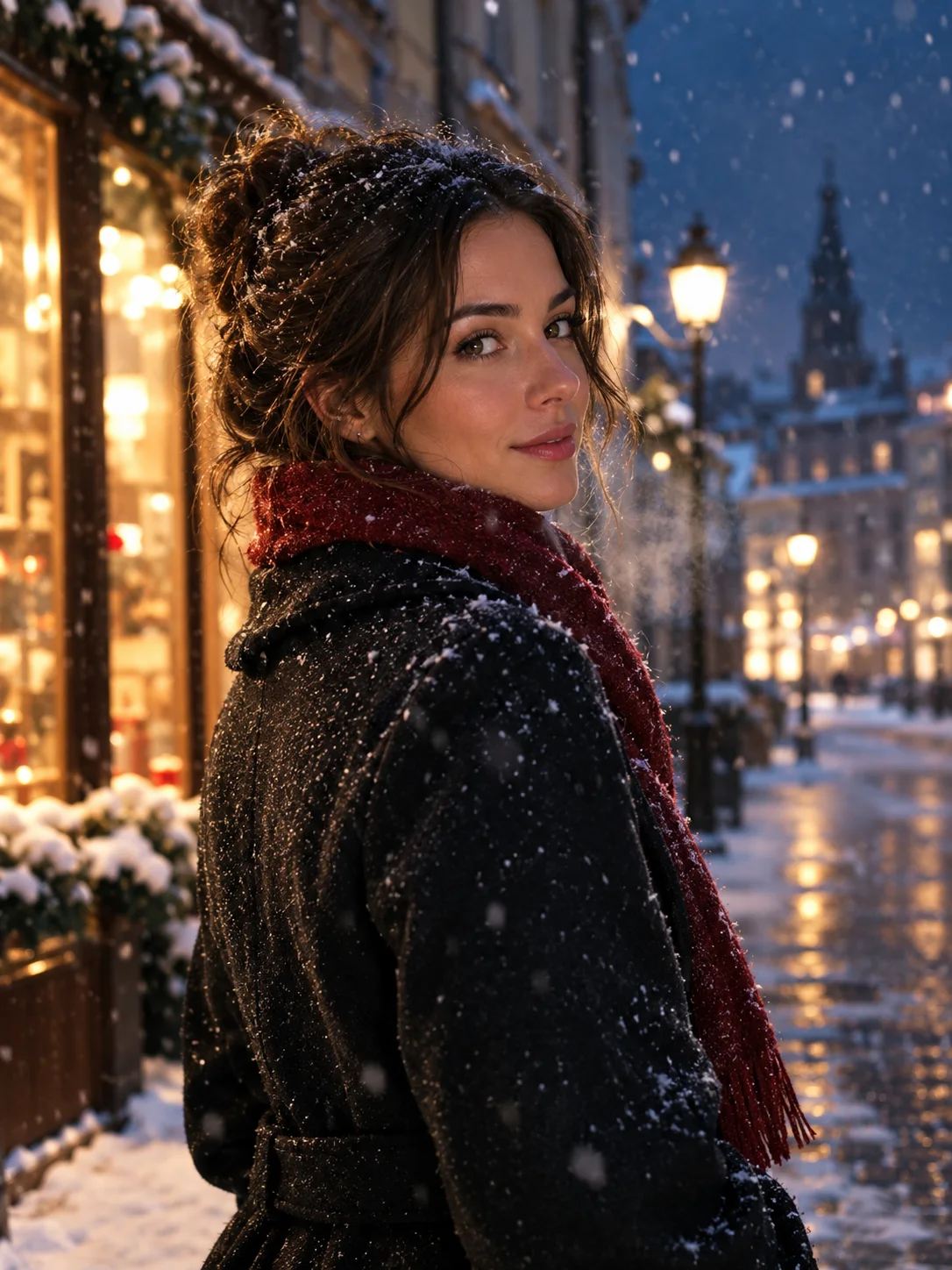 Image to video
Image to Video Portrait
Animate a portrait still with a subtle head turn, drifting snow, and a slow camera move while keeping the face consistent.
View the workflow and prompt