
Product and portrait · Background edit
AI Background Replacement
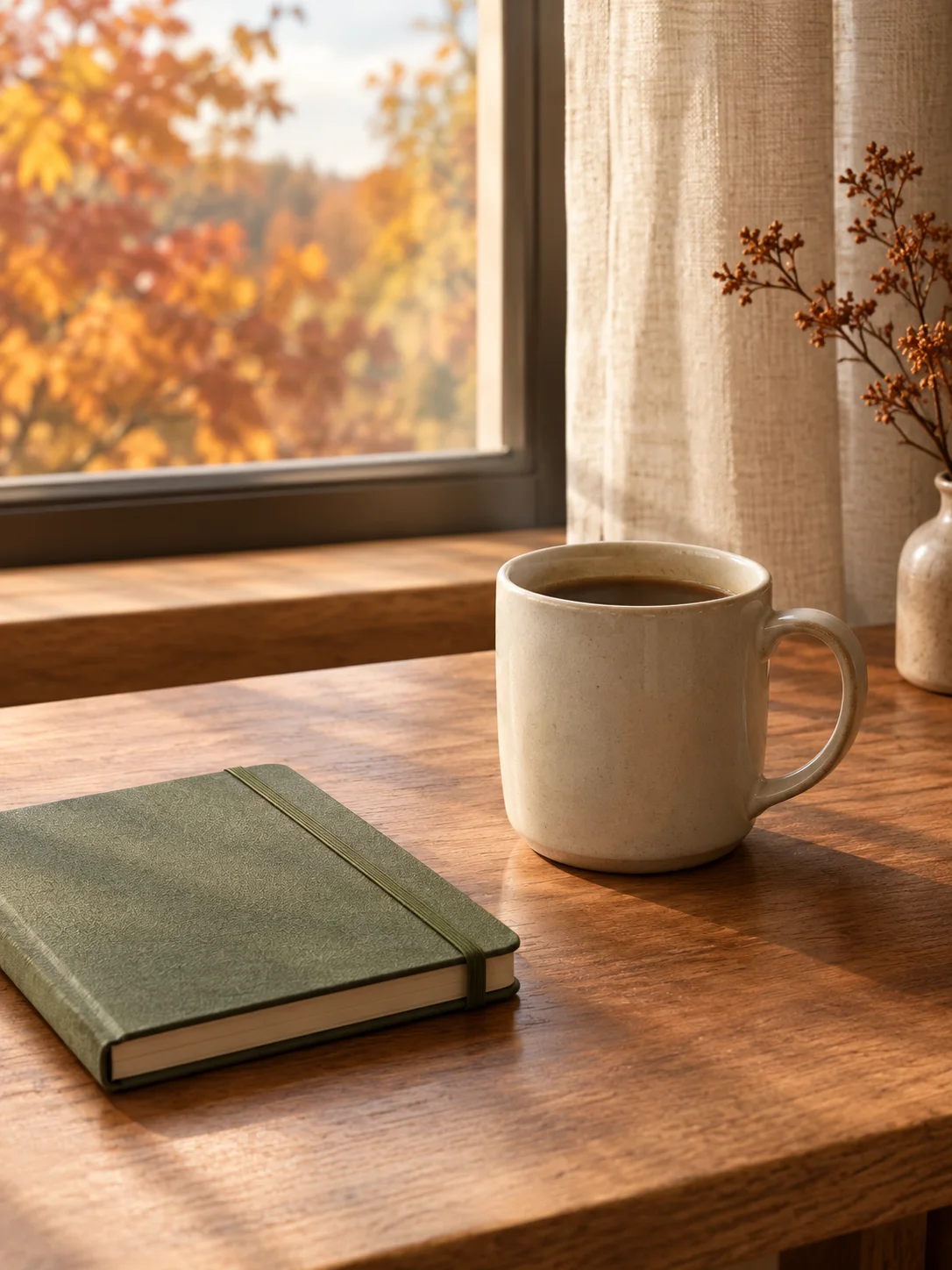
Replace a distracting background with a controlled seasonal or studio scene while preserving the subject and crop.
Upload a photo and describe the new setting while keeping the subject, product, or person unchanged. The editor opens with a background-focused prompt and a simple composition. Review edges, reflections, and contact shadows after generating.
Starts from one or more reference photos, depending on the scene.
Updated for the 2026 Halloween season
How this scene works
- 01
Choose a clean source
Use a photo where the subject edge is visible and not tangled with lots of loose hair or transparent objects. Product photos with clear silhouettes are the easiest starting point.
- 02
Keep the subject fixed
State that the person, product, pose, crop, and important details must stay close to the source. Change the background, surface, and light direction.
- 03
Inspect the boundary
Zoom in on hair, fingers, handles, and product edges. Look for halos, missing shadows, repeated texture, or objects that appear behind the subject incorrectly.
Editable prompt
The prompt separates the foreground subject from the new environment. It asks for realistic contact shadows and perspective, and it excludes text, logos, extra products, and people.
Model prompts remain in English because the image and video models are tuned for it. The surrounding guidance is localized.
Replace only the background of the uploaded photo with a softly blurred autumn window scene: warm leaves outside, a linen curtain, a wooden desk surface and soft morning light. Preserve the foreground subject or product, its shape, crop, pose, important details and perspective. Match the new background perspective and lighting to the foreground, and add realistic contact shadows at the base. Do not change the product label, add people, hands, extra objects, readable text, logos or watermarks. Keep the result photographic and believable, with a calm cream, walnut and moss-green palette.Copy this prompt into the workspace or use the prepared button above.
Questions before you start
Can I remove a person from the background?
Describe the background you want and state that the foreground subject must remain unchanged. If hidden objects need exact reconstruction, use a source with more visible detail.
Can I make the background transparent?
This workflow produces a new scene, not a transparent cutout. Use the browser transparent PNG tool when you need actual transparency.
Can I keep the original lighting?
Yes. State the light direction and color temperature, and ask for the new background to share the same shadows and perspective.
Start with your own reference
Open the workspace, review the settings and credit cost, then generate. Opening a scene never submits a paid task.
Related scenes
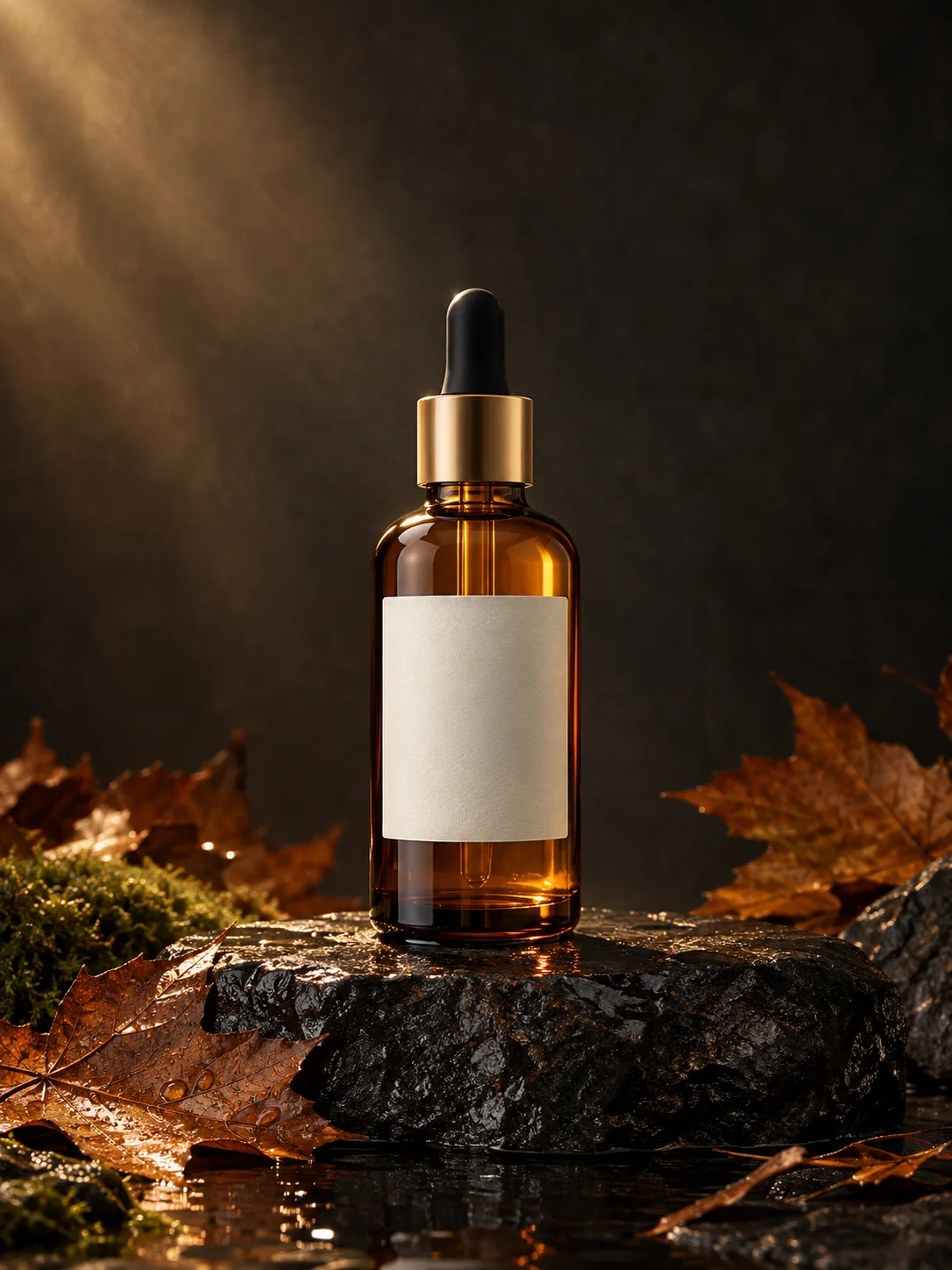 Image edit
AI Product Photo Generator
Turn an ordinary product photo into a controlled autumn campaign image while keeping the product shape and label area intact.
View the workflow and prompt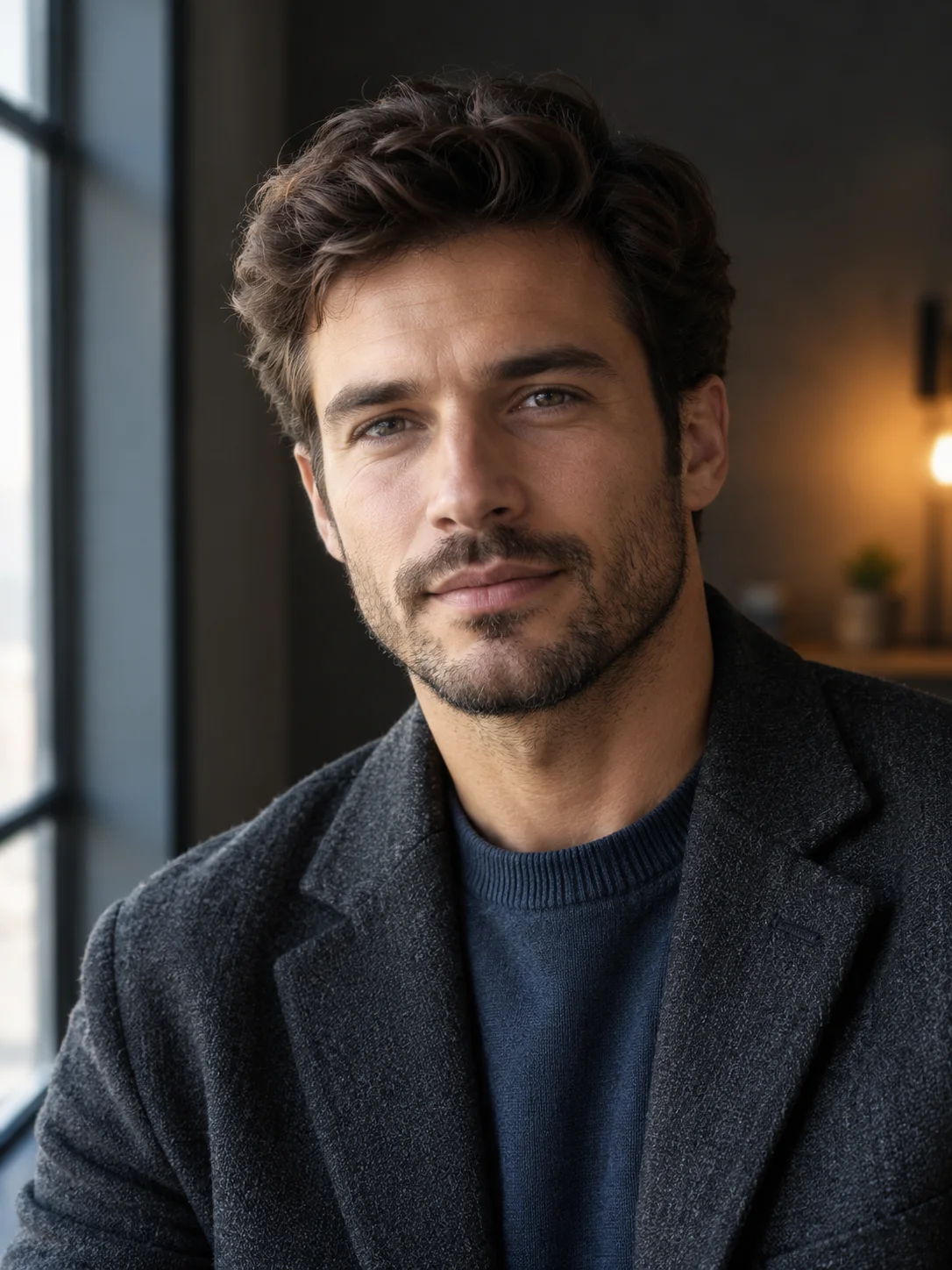 Image edit
AI Portrait Relighting
Change the light direction and mood of a portrait while preserving the face, skin texture, pose, and clothing.
View the workflow and prompt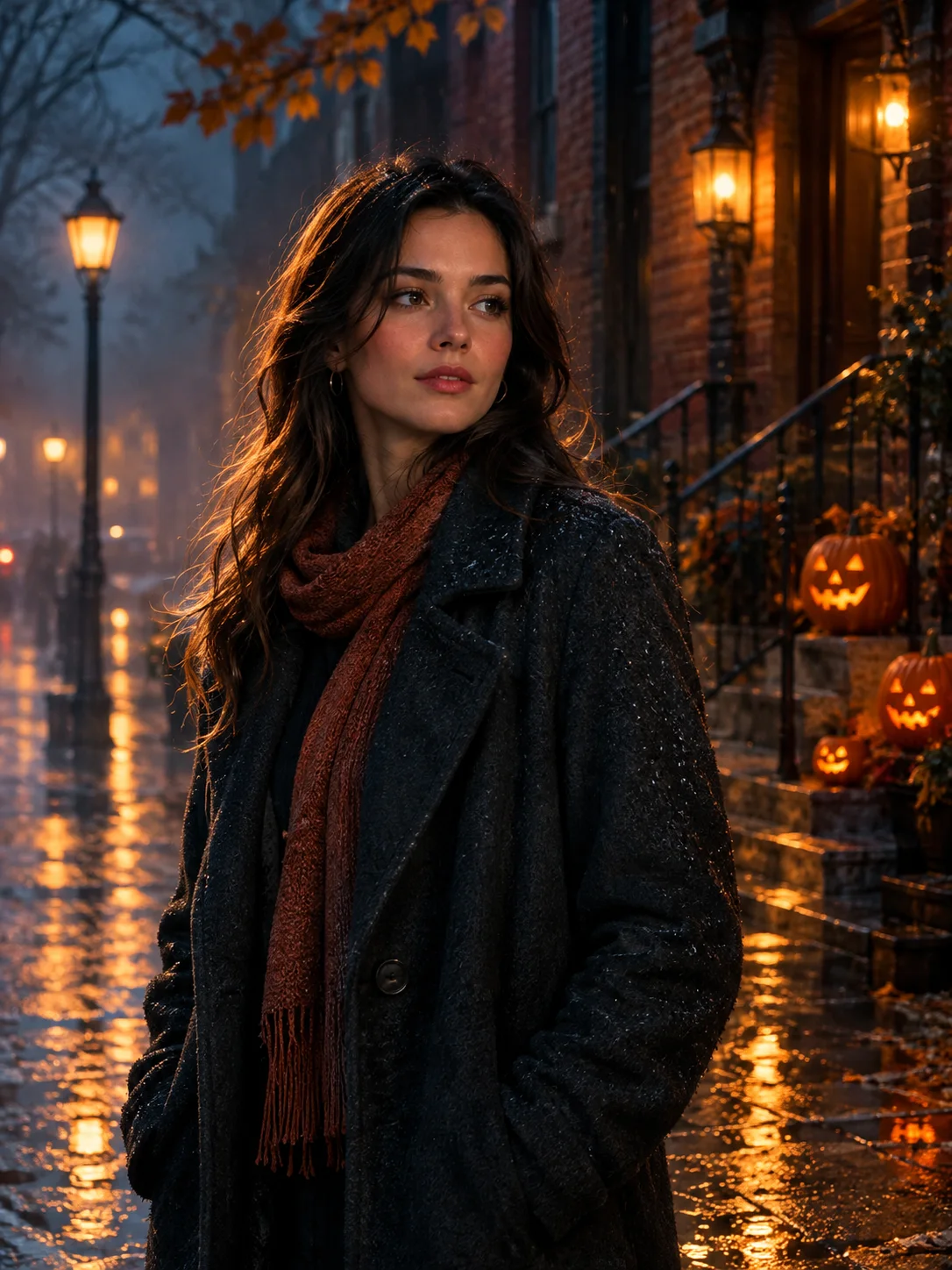 Image edit
Halloween Photo Editor
Add fog, lantern light, and a restrained haunted atmosphere to a photo without replacing the person or turning it into a cartoon.
View the workflow and prompt