
Portrait edit · Relight
AI Portrait Relighting
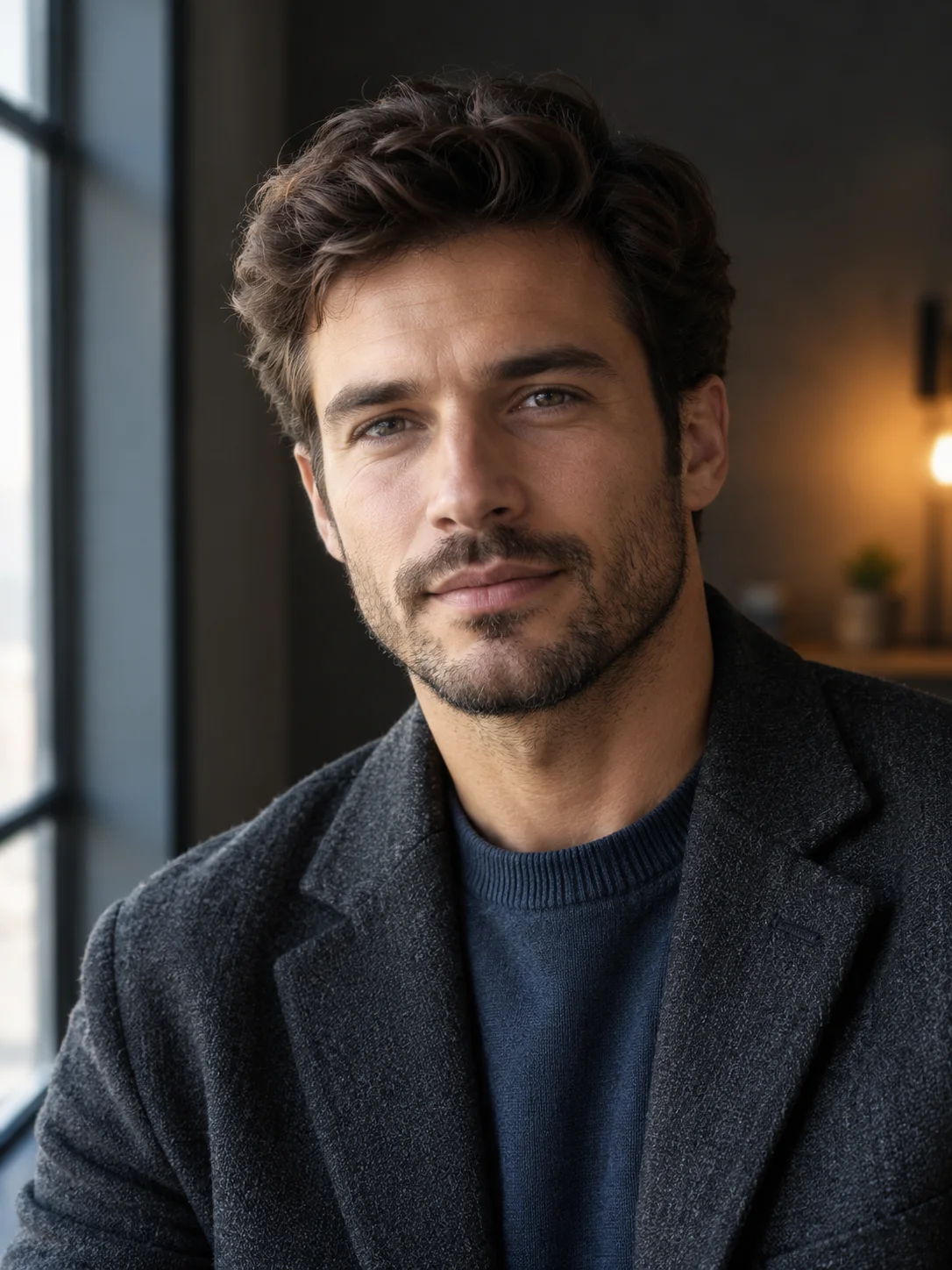
Change the light direction and mood of a portrait while preserving the face, skin texture, pose, and clothing.
Upload a portrait and describe the light you want: soft window light, warm practical light, or a controlled studio rim. The preset preserves facial proportions and skin texture while changing the illumination and background mood.
Starts from one or more reference photos, depending on the scene.
Updated for the 2026 Halloween season
How this scene works
- 01
Start with a clear original
Use a portrait with visible facial detail and a pose you already like. A heavily filtered source leaves less texture for the relight to preserve.
- 02
Describe one lighting setup
Name the direction, softness, color, and background. Avoid combining three light sources, a new hairstyle, and a new outfit in the same request.
- 03
Inspect skin and shadows
Check that the new light falls consistently across the face, neck, and clothing. Watch for a bright face on an unchanged dark neck or impossible shadow directions.
Editable prompt
The prompt keeps the face, expression, age, hairstyle, and clothing as references while changing the lighting direction, color temperature, and background. It excludes face reshaping and beauty-filter smoothing.
Model prompts remain in English because the image and video models are tuned for it. The surrounding guidance is localized.
Relight the uploaded portrait with a large soft window light from the left side and a subtle warm practical light in the background. Preserve the subject's face, facial proportions, age, expression, hairstyle, clothing and pose. Keep natural skin texture and realistic eye detail. Use a dark neutral studio wall and a softly blurred window edge. The new light must fall consistently across the face, neck, hair and clothing with plausible shadows. Do not reshape the face, whiten the teeth, enlarge the eyes or apply plastic beauty smoothing. Avoid extra people, text, logos, watermarks and dramatic color shifts.Copy this prompt into the workspace or use the prepared button above.
Questions before you start
Can I use this for a professional headshot?
You can create a draft, but verify the final image against the organization's rules. A generative relight is not a guarantee of identity preservation or authentic photography.
Can I keep the background unchanged?
Yes. State that the background objects and crop must stay close to the source, then change only the light direction and color.
Does relighting remove blemishes?
This preset is not a skin-retouching tool. Use a separate restrained retouch prompt if temporary blemishes need to be reduced.
Start with your own reference
Open the workspace, review the settings and credit cost, then generate. Opening a scene never submits a paid task.
Related scenes
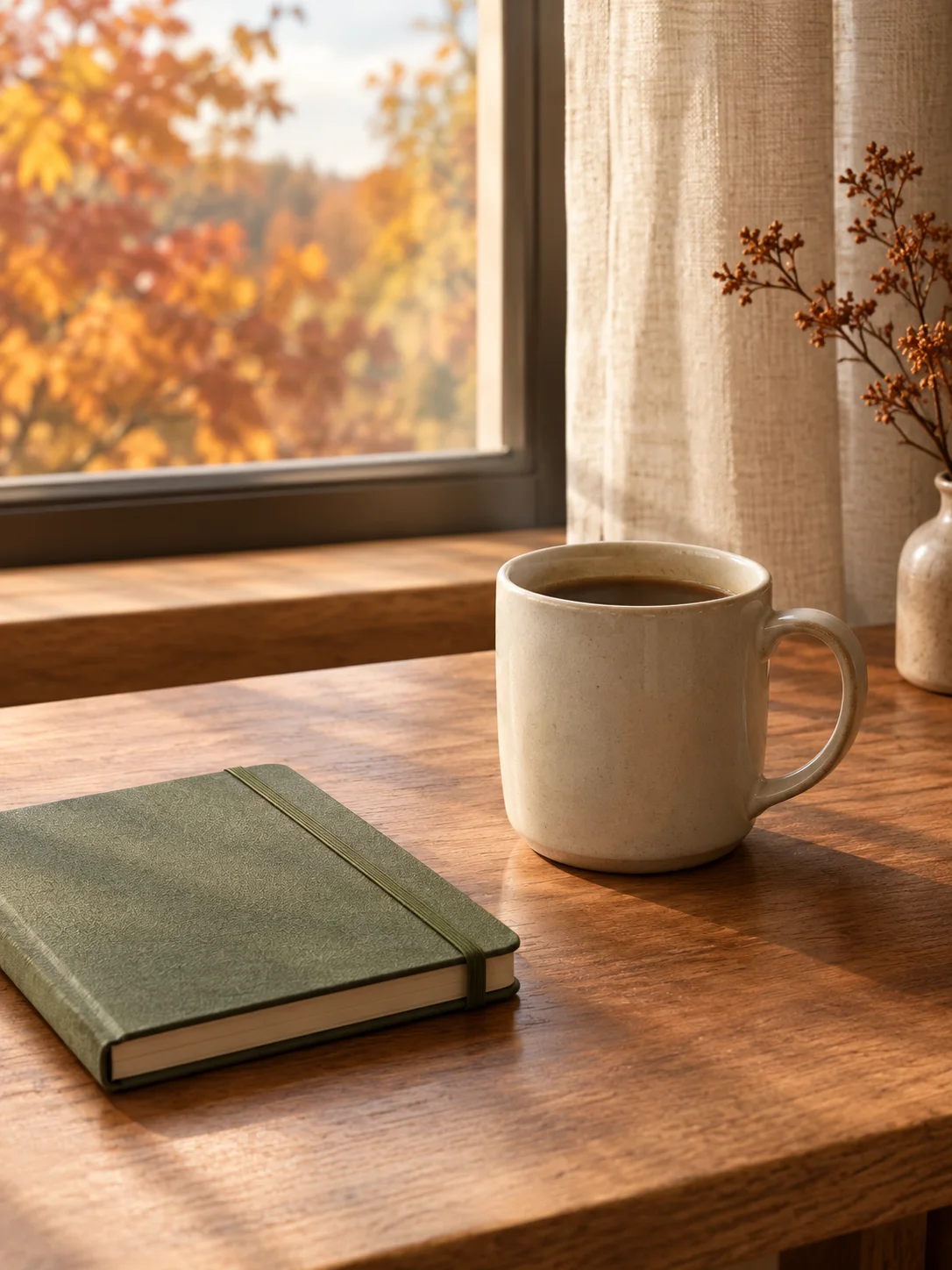 Image edit
AI Background Replacement
Replace a distracting background with a controlled seasonal or studio scene while preserving the subject and crop.
View the workflow and prompt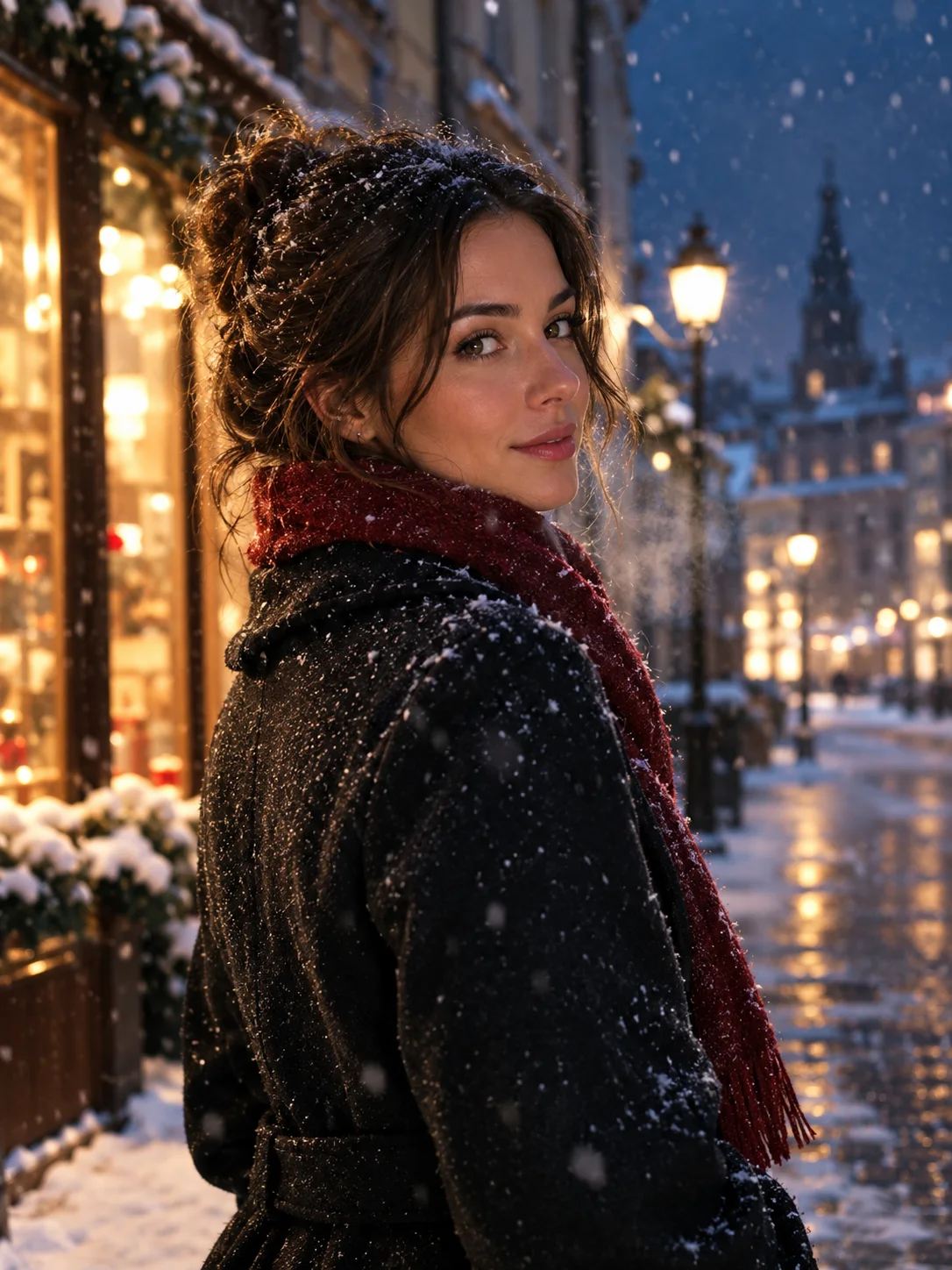 Image to video
Image to Video Portrait
Animate a portrait still with a subtle head turn, drifting snow, and a slow camera move while keeping the face consistent.
View the workflow and prompt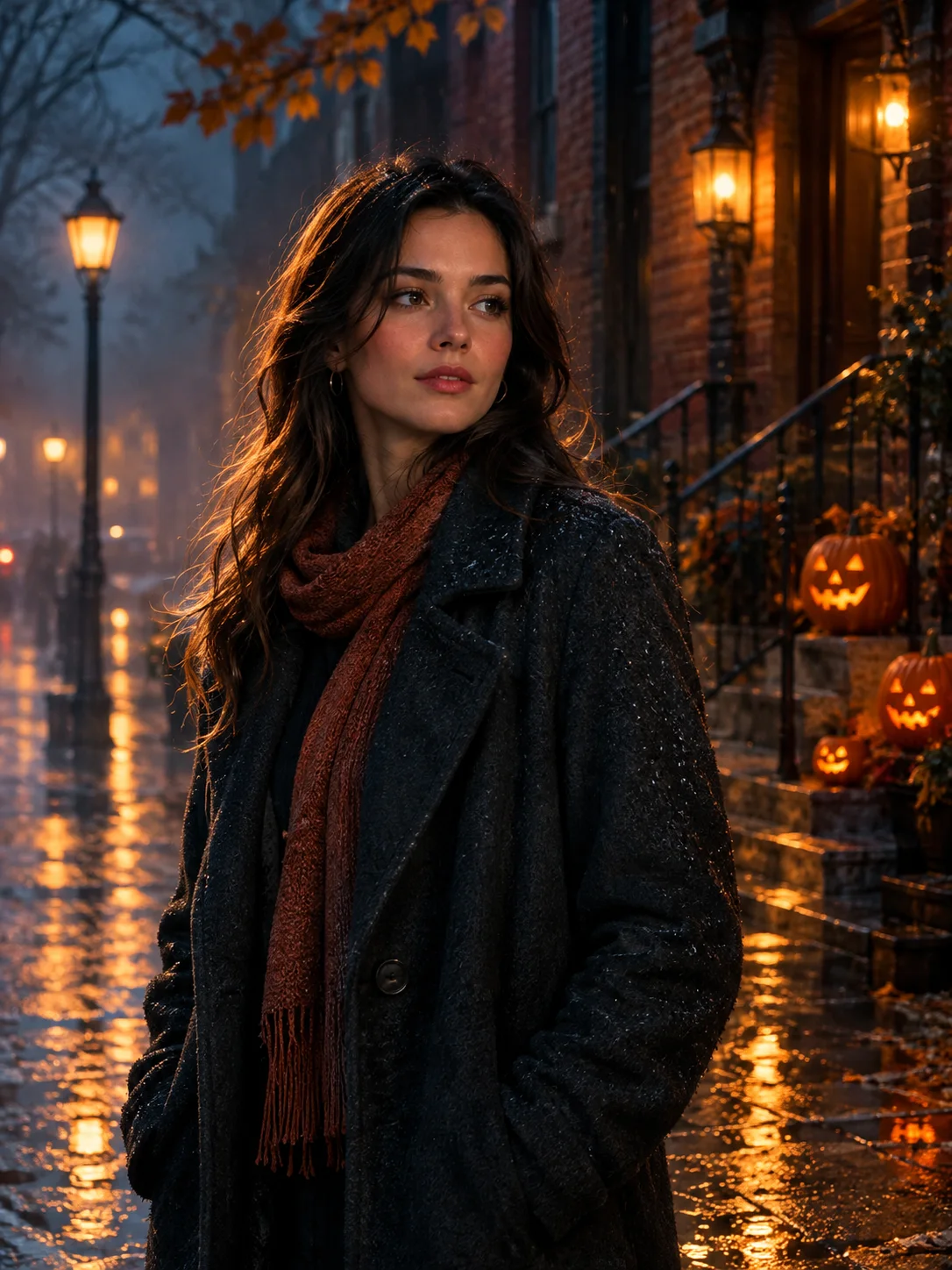 Image edit
Halloween Photo Editor
Add fog, lantern light, and a restrained haunted atmosphere to a photo without replacing the person or turning it into a cartoon.
View the workflow and prompt