
Campaign video · Image to video
Black Friday AI Video Generator
Create a short product reveal video for a Black Friday campaign from one product still, without inventing a fake discount.
Upload a clean product image and generate a short reveal with a controlled camera push, a turn of light, and restrained particles. The page helps with the creative asset; any discount, price, or claim must still be verified and configured in your own store.
Starts from a still image, then adds controlled motion.
Updated for the 2026 Halloween season

How this scene works
- 01
Prepare the product still
Use a sharp image with the product fully visible and a simple background. Keep a version with the verified label or logo if the final campaign needs one.
- 02
Describe the reveal, not a fake sale
Ask for a premium product reveal, a slow push, a light sweep, and subtle floating particles. Keep prices, countdowns, and discount claims out of the generated frame.
- 03
Add campaign copy after generation
Review the clip, then add the verified offer, dates, terms, and calls to action in a separate video or design tool.
Editable prompt
The preset focuses on product motion and lighting. It excludes readable text, logos, and invented price claims because generated words and commercial promises are unreliable.
Model prompts remain in English because the image and video models are tuned for it. The surrounding guidance is localized.
Use the uploaded product image as the exact reference and starting frame. Create a premium five-second product reveal for a Black Friday campaign. Keep the product shape, material, label area and camera angle consistent. Add a slow camera push-in, a controlled sweep of warm light across the product, subtle floating dust particles and a gentle reflection shift on the pedestal. Keep the scene clean and commercial. Do not invent readable prices, discount text, countdowns, logos, extra products, hands or watermarks. Do not distort the product.Copy this prompt into the workspace or use the prepared button above.
Questions before you start
Can the video show a discount?
Do not rely on generated text for a real offer. Add the verified discount and terms in a separate editing step so the final asset matches the checkout.
Can I use a product photo from a supplier?
Only when you have permission and the usage terms allow it. Keep the original source and document the rights for any campaign asset.
Is this a complete Black Friday ad?
No. It creates a short product-motion asset. Offer details, legal terms, landing page, and checkout still need to be built and verified separately.
Start with your own reference
Open the workspace, review the settings and credit cost, then generate. Opening a scene never submits a paid task.
Related scenes
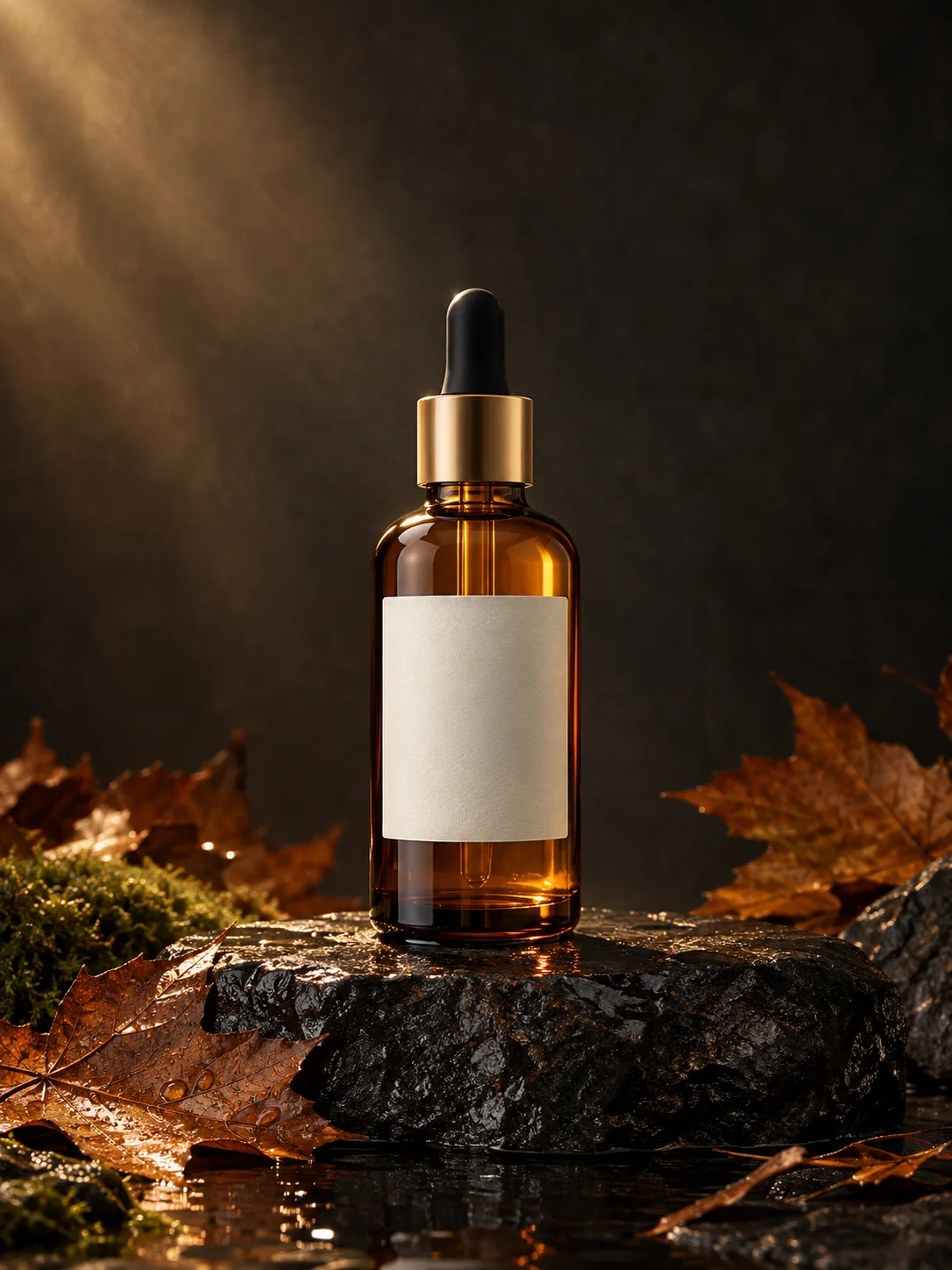 Image edit
AI Product Photo Generator
Turn an ordinary product photo into a controlled autumn campaign image while keeping the product shape and label area intact.
View the workflow and prompt Image edit
AI Background Replacement
Replace a distracting background with a controlled seasonal or studio scene while preserving the subject and crop.
View the workflow and prompt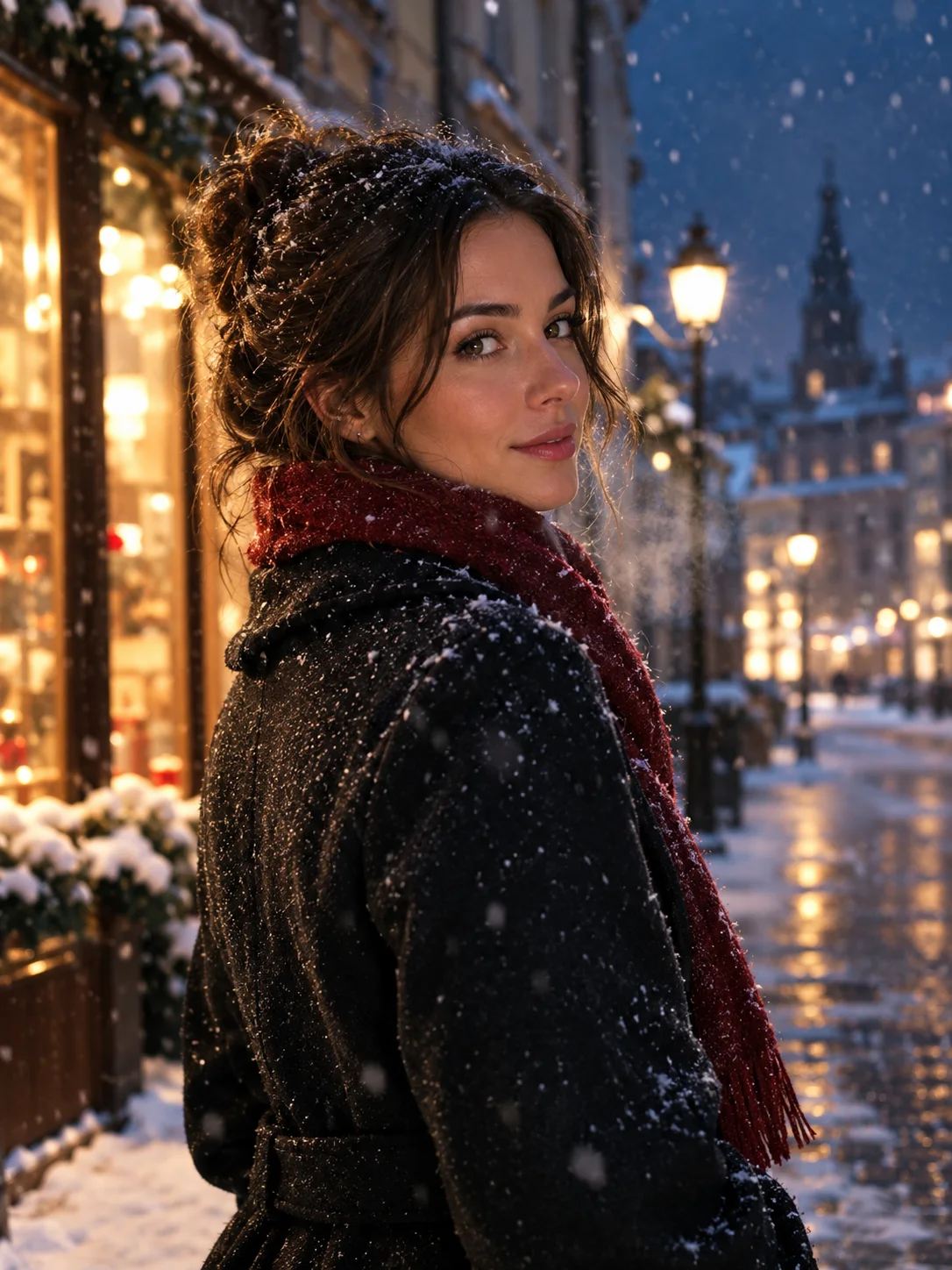 Image to video
Image to Video Portrait
Animate a portrait still with a subtle head turn, drifting snow, and a slow camera move while keeping the face consistent.
View the workflow and prompt